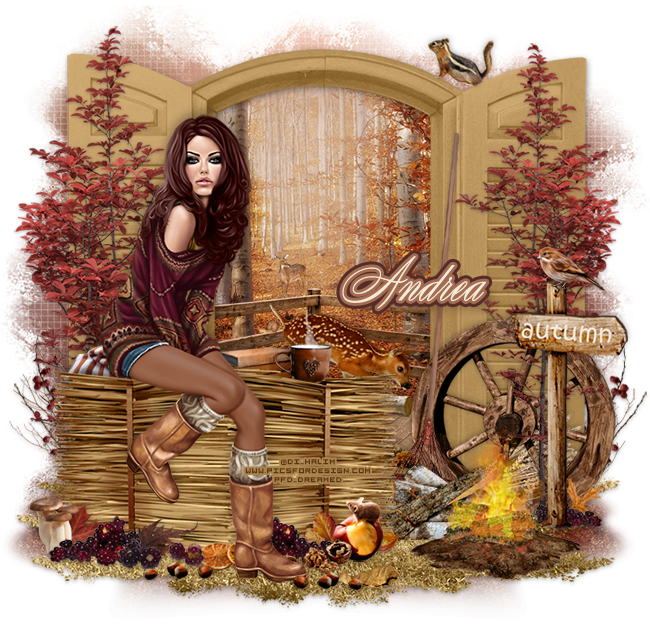
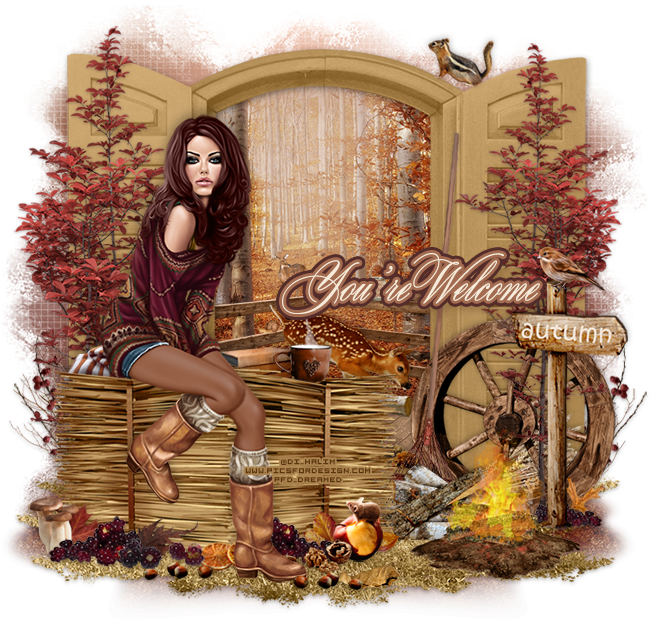
Open a new canvas, size 700x700.
Place 122 on the frame and resize. Add a drop shadow.
Place paper 26 behind the frame and resize. Erase anything outside the frame.
In front of the frame and to the left place 42. Resize and add a drop shadow.
Place the tube on the hay so she is sitting on it. Resize and add a drop shadow.
Underneath everything place 46. Resize and duplicate to make it ground cover. It's ok to leave some empty spaces for the dirt to peek through.
Under neath the grass place 45 and fill in the empty spaces under the grass. Duplicate and flip to achieve the desired effect. Make sure the grass and dirt do not hang off the tag.
Back to the hay, behind the hay place 109 so it appears to rest on it. Resize and add a drop shadow.
Behind the coffee cup place 112 and flip horizontally. Resize and add a drop shadow.
To the left of the tube and behind her on the hay place 89. Flip it horizontally, resize, and add a drop shadow.
In front of the frame place 40 on the left side and flip horizontally. Resize and add a drop shadow.
Duplicate the tree and and flip horizontally. Move it to the right side of the frame. Make it a little smaller than the first.
In front of the tree on the right place 69 and flip horizontally. Resize and add a drop shadow.
In front of the wheel place 115 and move it a little to the right of the wheel. Resize and add a drop shadow.
On top of 115 place 51 and flip horizontally. Resize and add a drop shadow.
Between the wheel and sign on the right place 105 and flip horizontally. Resize and add a drop shadow.
Behind the grapes place 8 and flip horizontally. Resize and add a drop shadow.
Behind the wheel place 32. Resize and add a drop shadow.
In front of the autumn sign and on the grass place 81 and flip horizontally. Resize and add a drop shadow.
Behind the hay and to the right place 34. Resize and add a drop shadow.
In front of the hay along the ground (behind the tube) place 31 on the far left end. Flip horizontally, resize, and add a drop shadow.
To the right of the mushrooms place 105. Resize and add a drop shadow.
In front of the grapes and a little to the right place 106. Resize and add a drop shadow.
Behind the grapes place 10. Resize and add a drop shadow.
Behind the mushrooms and grapes place 5. Resize and add a drop shadow.
In front of 106 place 104. Resize and add a drop shadow.
Behind the tubes foot and to the right of the grapes place 102. Resize and add a drop shadow.
Duplicate 105 from before and move to the right of the tube's foot and flip horizontally. Resize and add a drop shadow.
To the right of the grapes place 55. Resize and add a drop shadow.
Behind the grapes and the apple place 2. Resize and add a drop shadow.
To the right and behind the apple place 3. Resize and add a drop shadow.
In front of the grapes and apple but behind the tube's foot place 103. Resize and add a drop shadow.
Duplicate 104 from before and place them in front of the tube's foot and to the right of it.
Behind 104 place 6. Resize and add a drop shadow.
Behind everything on the left side of the frame place 37. Resize and add a drop shadow.
On top of 37 place 28. Resize and add a drop shadow.
Duplicate both 37 and 28 and move to the right side of the frame. Make sure they do not stick off the canvas.
Behind the frame and on top of the paper place 64. Resize and add a drop shadow.
On top of the deck place 35 toward the back. Resize and add a drop shadow.
In front of the wood place 49. Resize and add a drop shadow.
Along the bottom of the deck at the bottom of the frame place 22 and 32 together. Resize and add a drop shadow.
In the background of the paper place 48. Resize very smaller and add a drop shadow.
On the deck place 56 on the lower left side railing. Resize very small.
On top of the frame place 53 and flip horizontally. Resize very small.
Add your tagger mark and copyright information.
Crop off any extra canvas and resize the tag as needed.
Save as a .psd & .png.
Free snags!
Thanks for coming by!