Showing posts with label Freebies. Show all posts

Friday, June 21, 2013

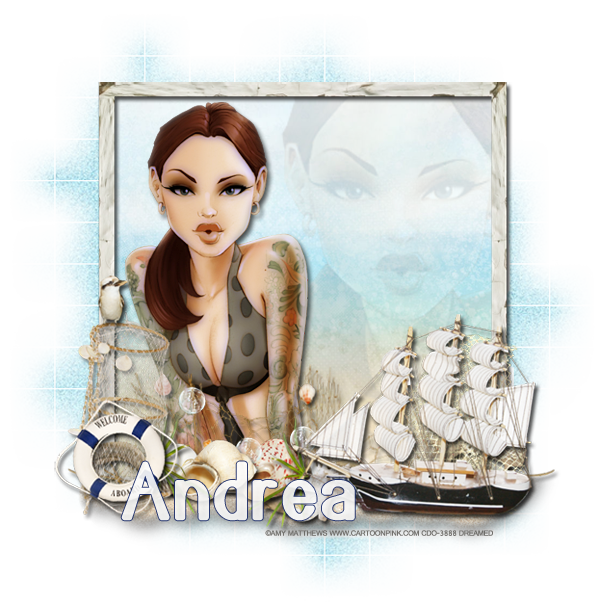
CT Tag Show Off - Vinegar 11-2 by ChiChi Designz

I made two tags for Cindy using her awesome new matching kit for Vinegar 11-2
It was released today at the CDO store!

Check out the kit here
 Check out the tube here.


I made a couple of freebies for you as well!


Thanks for stopping by!

Thursday, June 20, 2013

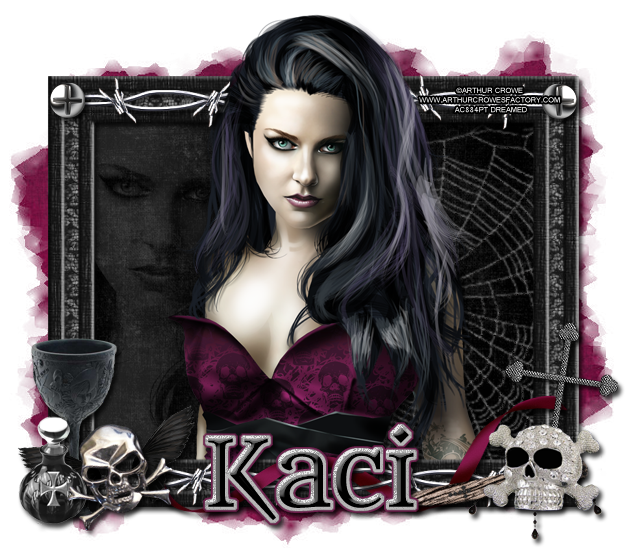
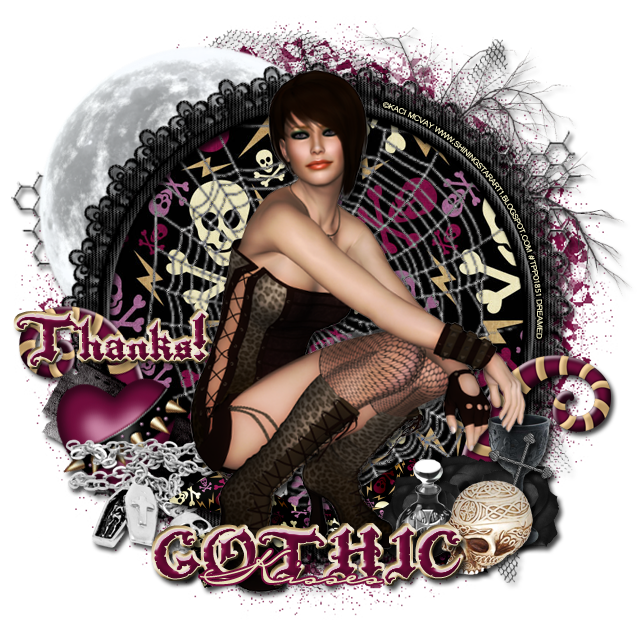
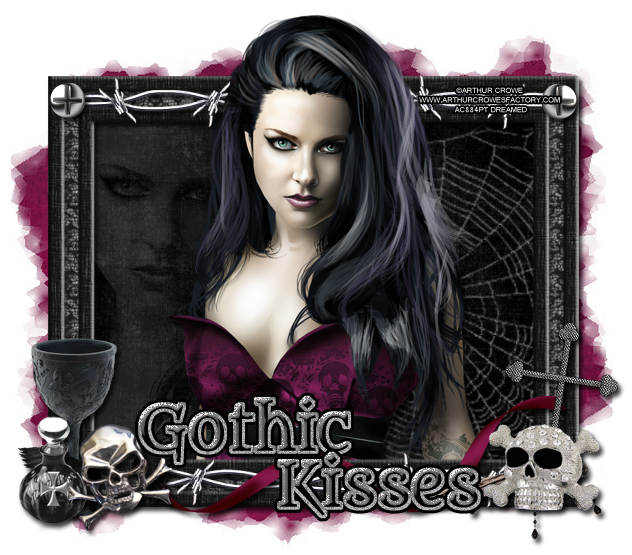
CT Tag Show Off & Freebie Snags

I have two tags for you. The first one is using a great poser by Kaci McVay from Shining Star Art and the other is using the artwork of Arthur Crowe
I used Scrappin Krazy Designs' part of the FTU Gothic Kisses Blog Train.
You can find it on her blog, and other stops, here!


Here are two freebie snags too!


Thanks for stopping by :)

Wednesday, June 19, 2013

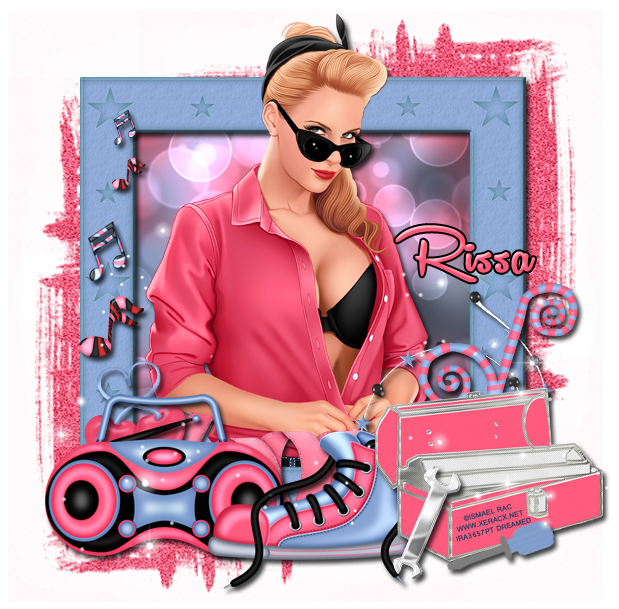
CT Tag Show Off - 2013 Greaser

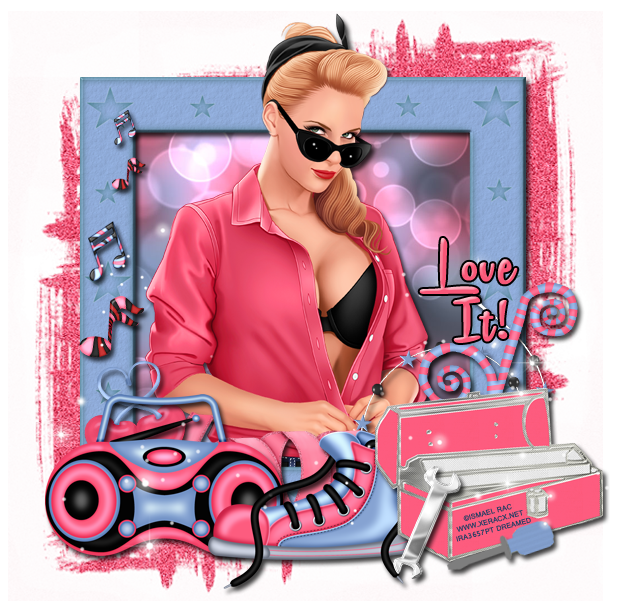
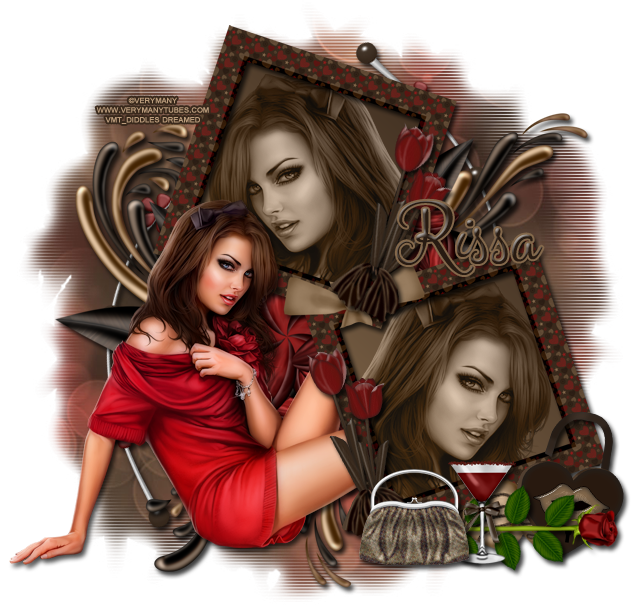
I made a couple of tags using the PTU Kit, 2013 Greaser, by Rissa's Designs, which is a match for Ismael Rac's 2013 Greaser Tube!

There are a few freebie snags below for you to grab too :)


Freebie Snags


Thanks for stopping by!

Sunday, June 16, 2013

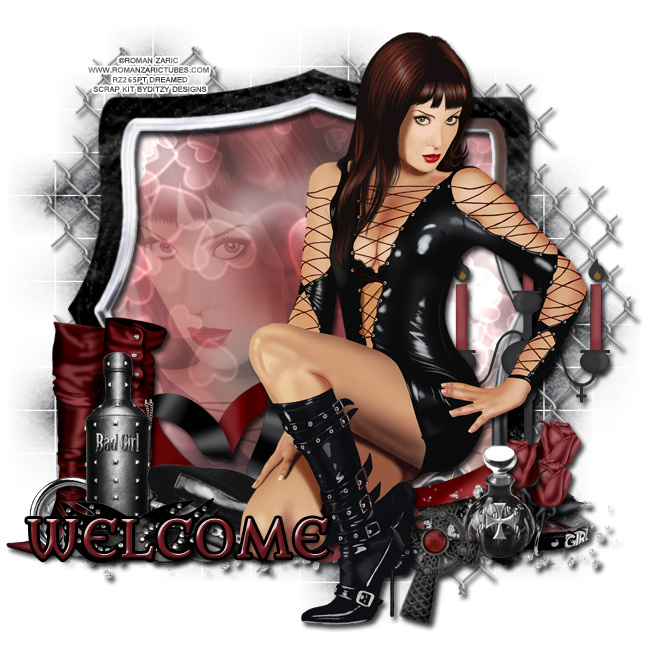
PTU Tutorial with Dina by Roman Zaric & Snags!

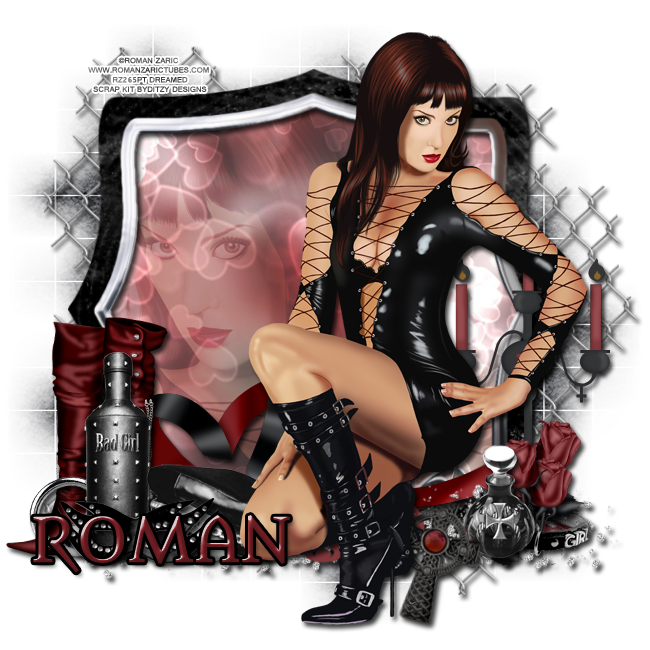
New PTU Tutorial using a fierce tube, Dina, by Roman Zaric and the matching kit by Ditzy Dezigns. 
They will both be available for sale soon @ Roman Zaric!


**This tutorial is written by me and any resemblance is purely coincidental. It is written for those with a working knowledge of Photoshop.**

What you will need:
Font

Mask

Scrap  kit

Tube

Elements
Boot 2
Bottle 1
Bottle 2
Candelabra
Collar
Fence
Flames 2
Frame 1
Hat
Mask
Piercing
Ribbon 2
Rose

Papers
Paper 5
Paper 8

Let's get started!
Open a blank canvas, size 650x650.

Move Frame 1 on to the canvas.
Place Dina in front of the frame and resize. Add a drop shadow. Move her on the right side of the frame little.

Move Paper 5 behind the frame and resize. Flip the paper vertically. Erase any extras outside the frame.
Take the larger version of the tube and flip horizontally. Place it behind the frame and on top of the paper. Create a clipping mask and reduce the fill to 28%.

Now place the Fence behind the frame. Resize so it shows outside the frame. Add a drop shadow.

Move the Candelabra on the frame's right side behind the tube. Add a drop shadow.

Place Flames 2 at the bottom of the frame. Add a drop shadow. Erase parts that cover the cross on the frame.

Move the Bottle 2 in front of the frame, right next to the cross. Erase parts of the bottle that stick out above the cross. Add a drop shadow.

Place the Collar behind the Bottle 2 and in front of the Candelabra. Resize and add a drop shadow.

Take the Rose and place three in front of the Candelabra and behind the Bottle 2. Make them different sizes and different angles. Add a drop shadow.

On the left side of the frame, place Boots 2 and flip horizontally. Resize and add a drop shadow.
Place Bottle 1 in front of the Boots 2, resize, and add a drop shadow.
Move the piercing between the Boots 2 and Bottle 1. Rotate to the left and add a drop shadow.
Move the Hat to the right of Bottle 1, overlap, behind the tube, resize, and add a drop shadow.
Place the Mask in front of the Bottle 1 and hat. Resize and add a drop shadow.
Move Ribbon 2 behind everything and on top of the frame. Resize and place the heart between the Boots 2 and tube. Add a drop shadow.

Let's make the mask:
Open a new blank canvas, size 600x600.
Open Paper 8 and resize to 600x600.
Open mask and make sure it is 600x600.
Place the Paper 8 on top of the blank canvas and then the mask on top of it.
Remove the white background.
Place the mask behind the frame. Stretch it out so it stays behind the fence. Make sure it does not go off the edges of the canvas.

For the name:
The font is Metamorphous.
Fill with #88252b.
Add a drop shadow.
Add a black stroke, size 2.
Add a bevel:
Just change it to Cove-Deep.

Add your copyright information and tagger mark.
Save as .psd & .png.

We're done!

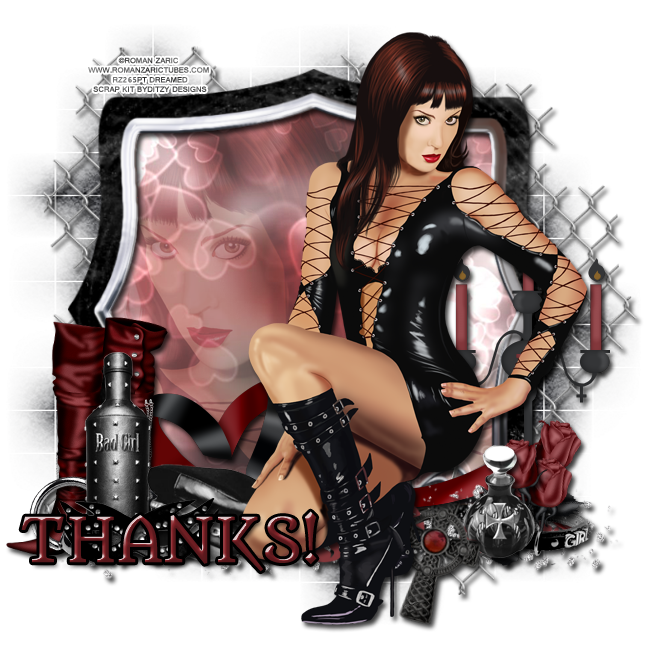
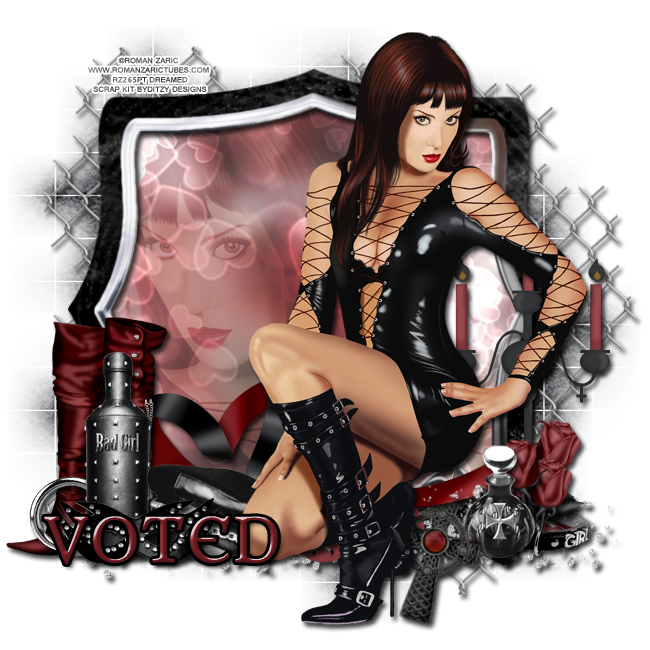
Now here are a few snags for you:


Thanks for stopping by :)

Friday, June 14, 2013

Freebie Clusters Using Nautical Retreat

These got lost somewhere in Bloggerland so I wanted to repost them because they're perfect for summer!

FTU Clusters - Nautical Retreat

Nautical Retreat is a realistic, beautiful kit from Scrappin Krazy Designs
You can find it here.


Click the preview to download or download the clusters here.

Here is a tag I made with one of the clusters.


Please leave some love when you download :)

Thursday, June 13, 2013

Cluster Frame Freebies Using "Country Summer"

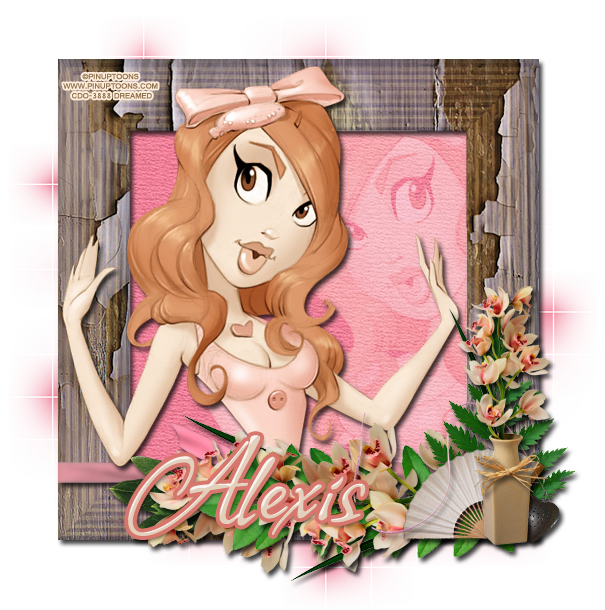
Country Summer is a beautiful new kit by Alexis' Graphics Palace
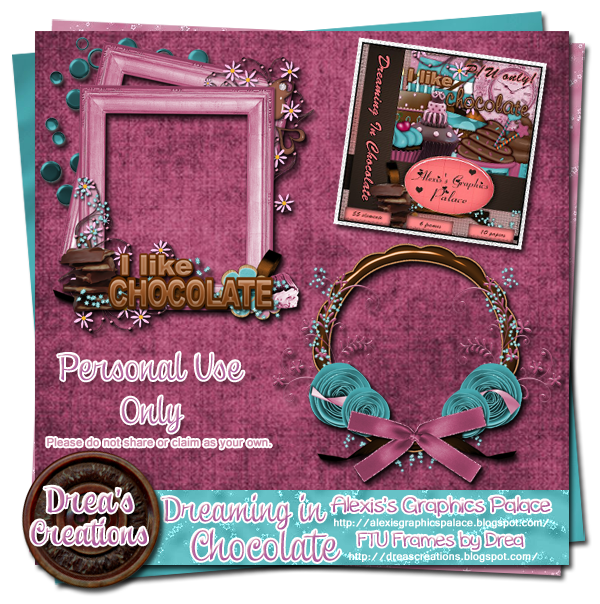
I made two cluster frame freebies for you to play with. 
Please leave some love when you download!

Cluster Preview


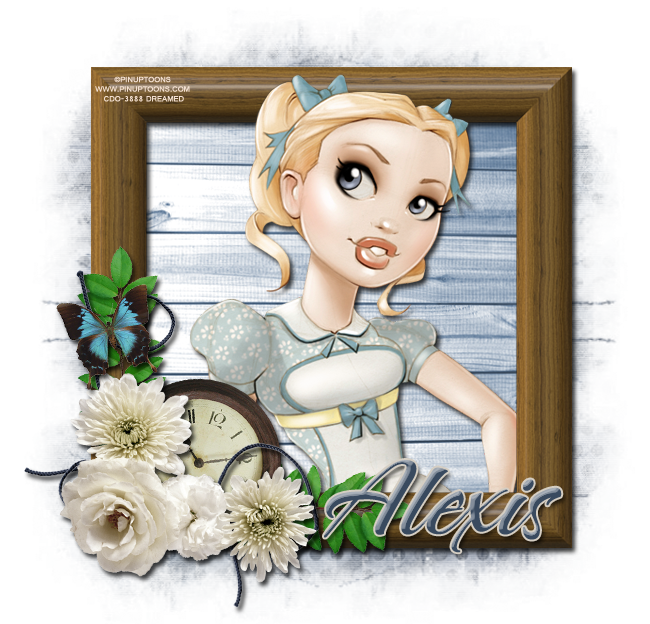
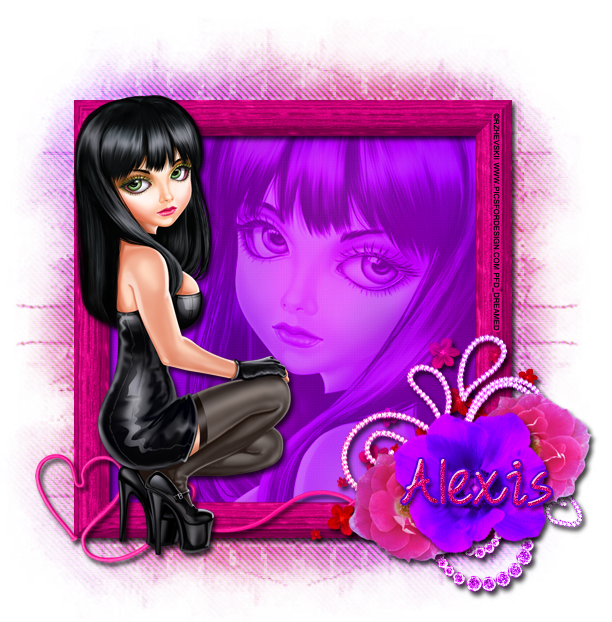
Here are the tags I made for Alexis using the cluster frames.


You can download the cluster frames here
Thanks for stopping by :)

Sunday, June 9, 2013

CT Tag Show Off Using "Chocolate Rose" by Rissa's Designs

I used "Chocolate Rose" by Rissa's Designs, which was made to match this Pin Up Toon. It's a perfect match :) You can check out the kit on Rissa's Designs blog to find out more!

I have freebie snags for you below!


Here are a few snags for you!


Thanks for stopping by! 

Thursday, June 6, 2013

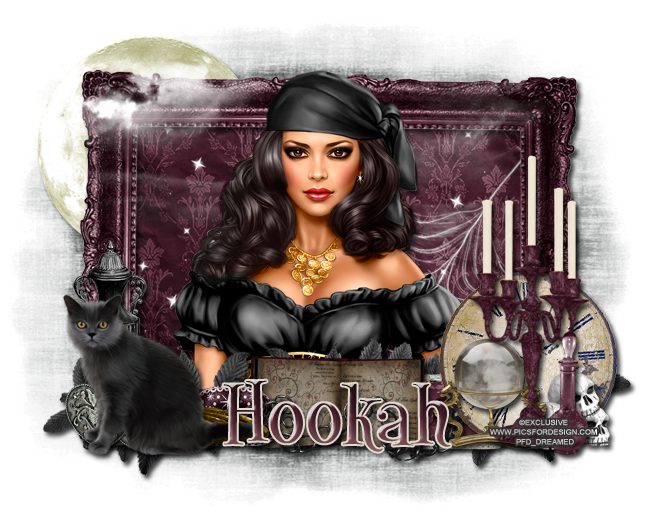
PTU Tutorial "A Gypsy's Revenge"

I have a new PTU tutorial using Jackie's Jewels kit "A Gypsy's Revenge". It goes perfectly with a new exclusive tube, Gypsy Girl, over at PicsforDesign!

Jackie's Jewels is also having a sale until the 15th of June so visit her blog now for more information! You don't want to miss this AWESOME sale! 


**This tutorial was written by me and any resemblance is purely coincidental. It is written for those with a working knowledge of Photoshop.

What you will need:

Font

Mask
Rebel Designz - April 7

Tube
An exclusive from Pics For Design
**You must obtain a license to use this tube.**

Elements
BlackCat
Bottle
Candle2
Chain1
Clock
CrystalBall
DoubleHearts
Fog
Frame2
GoldBangles
GroupofSkulls
Jewel
Leaves2
Mask
Moon
Sparkle
SpellBook1
Urn
Web

Papers
Paper8
Paper15

Let's go!

Start with a 650x650 blank canvas.
Move Frame2 on to the canvas.

Place the tube inside the frame. I first placed the tube over the frame and resized it. After you have her placed and sized the way you would like click on the frame layer and erase parts of the frame behind the tube's head and any parts of the body overlapping. Once you have it erased, move the tube behind the frame and make sure you didn't miss any parts of the frame. Erase any parts of the tube that stick out  below the frame. Now you can add the drop shadow to both the tube & frame.

Move Paper8 behind the frame & tube. Resize so it covers the opening of the frame. Erase any parts outside the frame.

Place the Web in the bottom right hand corner behind the frame and on top of the paper. Erase any parts outside the frame. No drop shadow necessary.

Move the Sparkles on top of the Web and behind the frame. Resize so it meets the inside edges of the frame and move toward the top. Duplicate and fill in the bottom half of the frame.

Place the moon behind the frame in the upper left hand corner. Resize and add a drop shadow.

Now take the fog and move it in front of the tube and frame. Flip it horizontally and resize so it lays on the moon and the frame. Erase the fog that covers the tube.

Take the BlackCat and place it over the left hand side of the frame. Resize and add a drop shadow.

Move the DoubleHearts behind the cat and resize. Add a drop shadow.

Move the Urn behind the Cat & DoubleHearts. Make it a little taller than the cat and add a drop shadow.

Place the GoldBangles behind the cat so the tail meets the end of the bangles. Resize and add a drop shadow.

Behind the bangles, place the Mask. Resize and add a drop shadow.

On the right side of the frame place the Clock. Resize and add a drop shadow.

Move Candle2 on top of the Clock and resize and add a drop shadow.

Place the Crystal Ball, Bottle, and GroupofSkulls behind the Candle2 and in front of the Clock. Resize and add a drop shadow to each.

Move the SpellBook1 behind the mask and move it so the left side of the SpellBook is overlapped by the Mask just a little. Resize and add a drop shadow.

Place the Jewel behind the SpellBook & Clock. Rotate the Jewel so it becomes horizontally. 

Move the Chain1 in front of the spell book but have it hide behind the clock. Resize it so it meets the middle of the SpellBook. Rotate, resize, and add a drop shadow.

Now take Leaves2 and move it behind everything. Use it to fill empty spaces. You will need to rotate it horizontally and resize. Add a drop shadow to each duplicate.

Now for the name: 
I used the color palette to make a gradient overlay.
Evenly space out the darker colors starting with the darkest one first and finish with the lighter color.
In this order, from left to right:
#241414
#421c29
#6e3846
#bd8b8a
Now use the lightest color for the stroke. Stroke 2 and the color #dedacf.
Add a drop shadow and a bevel in Cove-Deep and change the shadow to #241414.

Let's make the mask.
Open a new blank canvas, size 600x600.
Open your mask and resize to 600x600, if it's not already.
Open Paper15 and resize 600x600.
Move the paper on the blank canvas and then move the mask on top. Remove the white background.
Place the mask behind the frame and moon. Resize so a little sticks out on all four sides. 

Crop off any extra parts of the canvas and be careful not to cut off parts of the tag.

Add your copyright information and tagger mark.

Save as a .psd & .png.

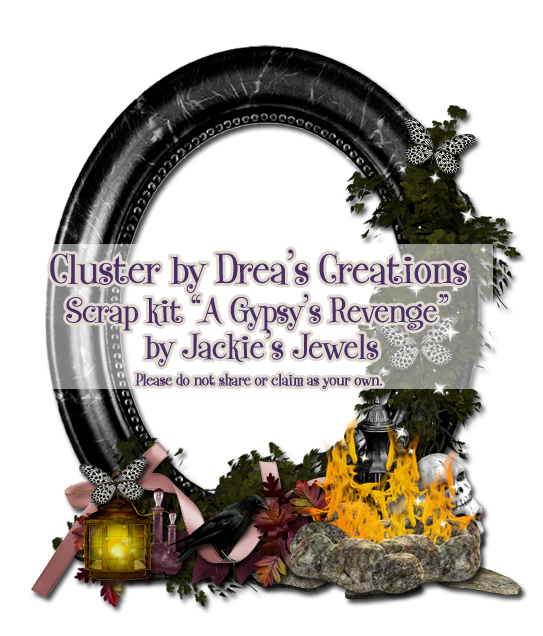
I also have a freebie cluster frame for you to play with!


Here is a preview of the cluster frame.


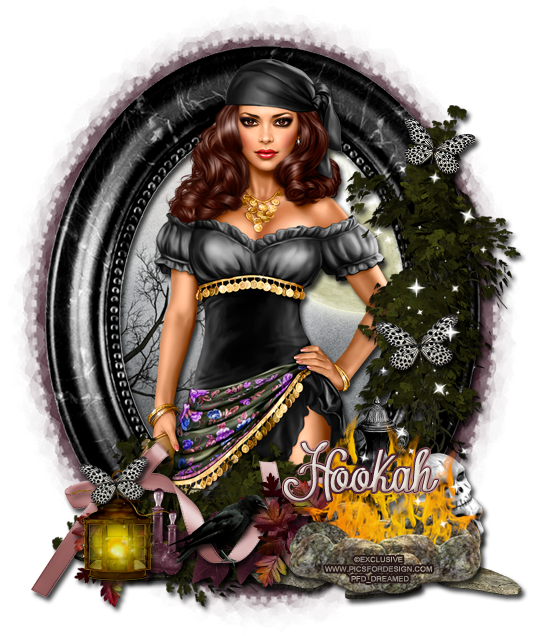
Here is the tag I made for Jackie.


You can download the cluster frame here. I hope you enjoy :)
Leave some love when you download!

Thursday, May 30, 2013

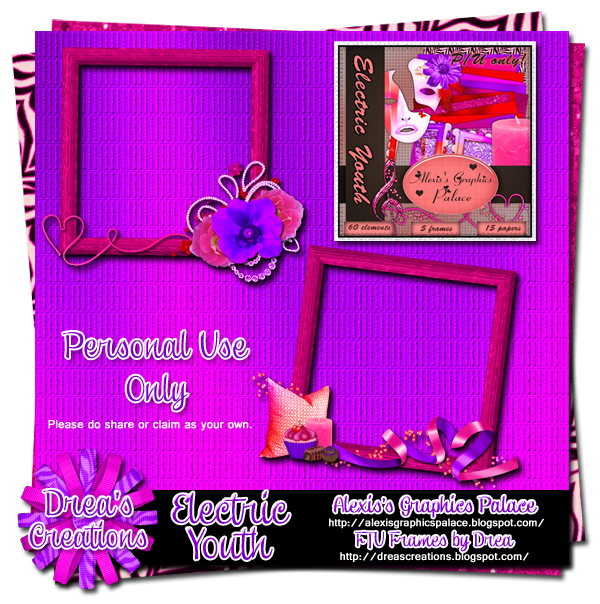
Cluster Freebies with Electric Youth by Alexis's Graphics Palace!
Electric Youth is a new kit out by Alexis's Graphics Palace. The colors are awesome and everything is very versatile! 

I have two cluster frames for you to download here.

Visit Alexis's Graphics Palace so you can see what stores this great kit is available! 

**Please do not share these. Link back to my blog for others to download, thanks!**

Cluster Preview

Here are two tags I made for Alexis using the cluster frames.


Thanks for stopping by! I hope you enjoy the freebies :)

Monday, May 20, 2013

CT Tag Show Off - Rissa's Designs "Soft"

I played with Rissa's Designs new kit "Soft". It's a great kit and it makes beautiful tags! 

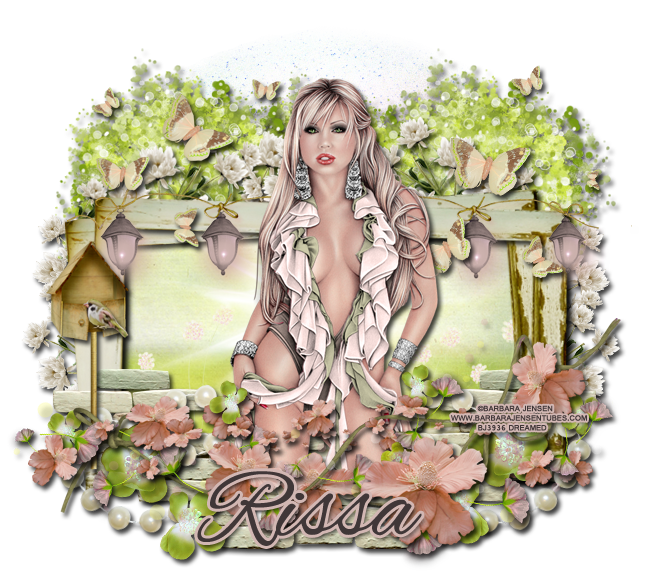
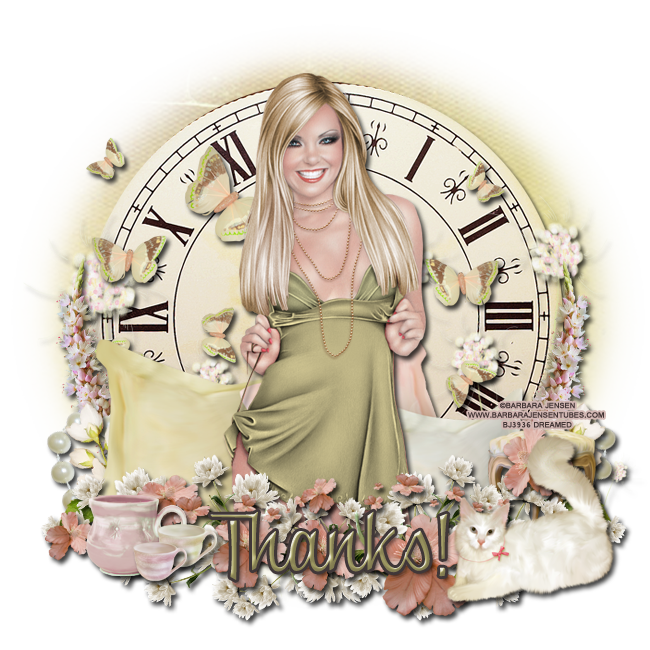
Here are the tags I made with Barbara Jensen tubes and the freebie snags are below!


Freebie Snags


Thanks for stopping by and leave some love when you snag, please!

Cluster Freebies with a Alexis's Graphics Palace kit "Rainbow Blues"

The new kit, Rainbow Blues, by Alexis's Graphics Palace is perfect for those rainbow tags and even matches a couple of new Pin Up Toons rather well :)

I made two cluster frames with the kit and you can download them here

Please visit Alexis's Palace Palace for links to the stores she is selling this kit.

*Please do not share these. Link back to my blog for others to download, thanks!*

Cluster Preview


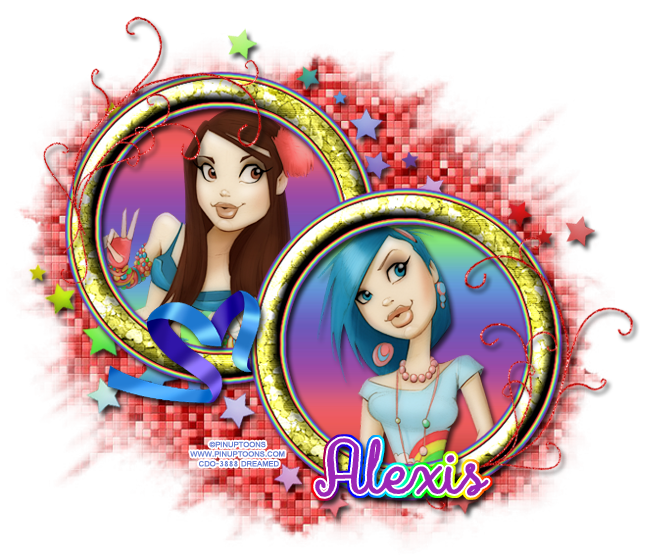
Here are a couple of tags I made for Alexis with her kit :)

I hope you enjoy the freebies. Thanks for stopping by!

New Name, New Blog!

Hello friends! I have decided to change my designer name to reflect that I make kits more than I do CT work. I made a new blog so the old links for this blog will remain active for future visits. Please visit me at Drea's Designs ! I'll see you there!
Related Posts Plugin for WordPress, Blogger...