Showing posts with label Kizzed by Kelz. Show all posts

Wednesday, June 4, 2014

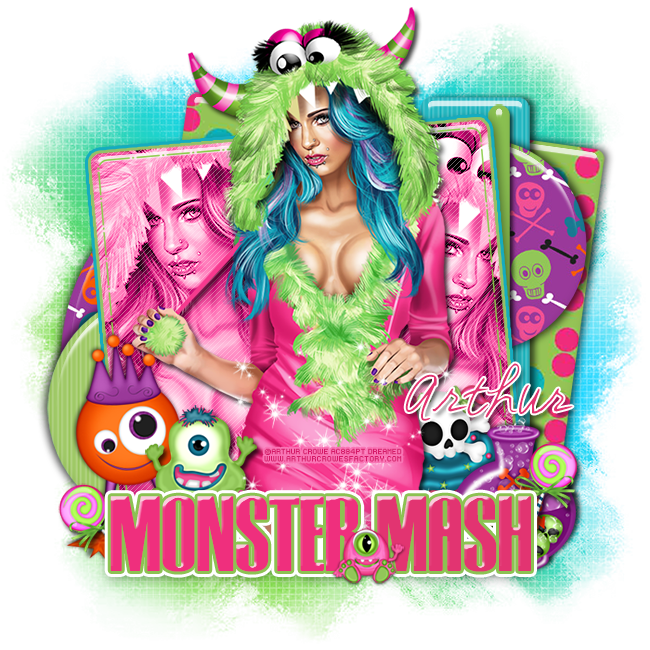
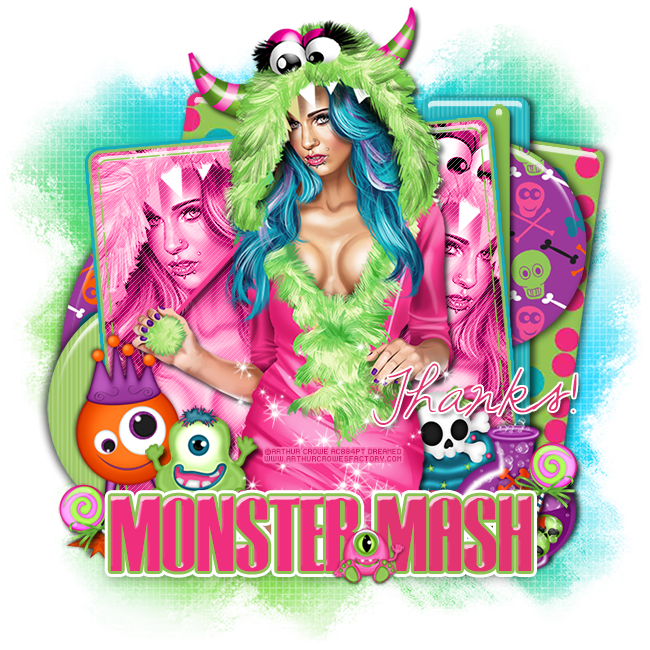
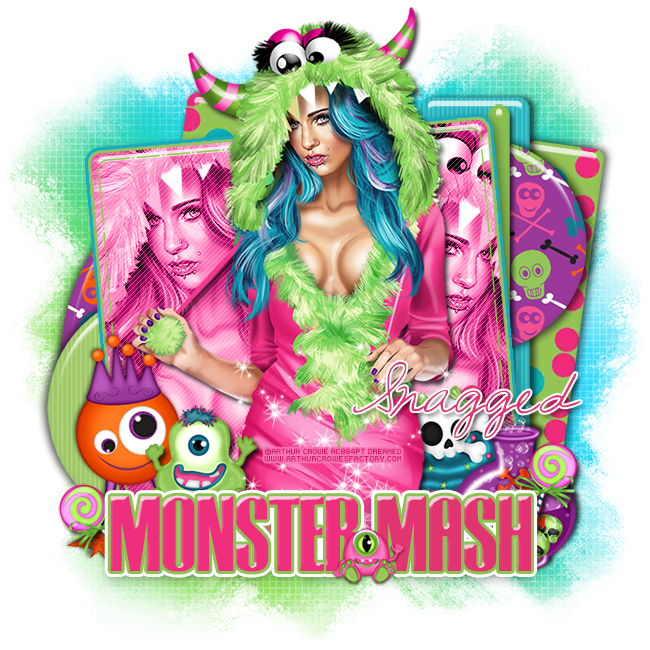
PTU Tutorial - Monster Girl by Arthur Crowe!

**This tutorial was written by me and any resemblance is purely coincidental. It is written for those with a working knowledge of Photoshop.**

Scrap Kit

Template

Tube
*You must obtain a license to use this tube.*

Elements
lolli
monster 2
monster 4
monster 5
potion
skull cupcake
sparkles

Papers
6
10
Let's start!
Open a new canvas, size 650x650.
Open the template and remove the word art, info, raster layers 9 & 11, and the blue star.
Move the rest on to the canvas and resize as necessary.
Add a bevel and drop shadow to each layer.
Place paper 10 over the green square and clip.
Over both the large and small purple circles place paper 6 and clip.
Change the color of the blue strip to #0cb0ba.
Change the color of the blue circle to #95c355.
Change the color of the green strip to #95c355.
Change the color of the orange square to #e62e84.
Change the color of the dashed square to #8acc48.
Place the tube in front of the pink square. Resize and add a drop shadow.
Take a close up of the tube and place it inside the pink square on the left side of the tube. Duplicate the close up and flip then move to the right side of the tube. Change both to luminosity.
Resize and add a drop shadow.
For the word art I used Tipo Press.
Main color: #e23471
Stroke: #8cc252
Outer Glow: white
Add a bevel and drop shadow.
Between the word art and the tube place monster 2. Resize and add a drop shadow.
To the left of monster 2 place monster 5. Resize and add a drop shadow.
Sticking out the side of the word art on the left place the lolli. Resize and add a drop shadow.
Behind the tube on the right place the skull cupcake. Resize and add a drop shadow.
In front of the cupcake and to the right place the potion. Resize and add a drop shadow.
In front of the potion place the lolli. Resize and add a drop shadow.
On top of the tube place the sparkles and resize.
In front of the word art between the word place monster 4. Resize and add a drop shadow.
Add your tagger mark and copyright information.
Crop off any extra canvas.
Save as a .psd & .png.

Free snags!
Thank you for coming by!
post signature

Monday, June 2, 2014

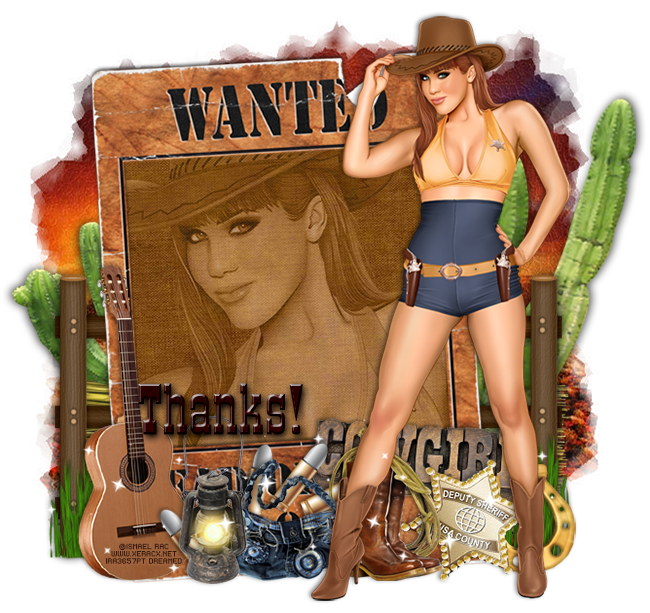
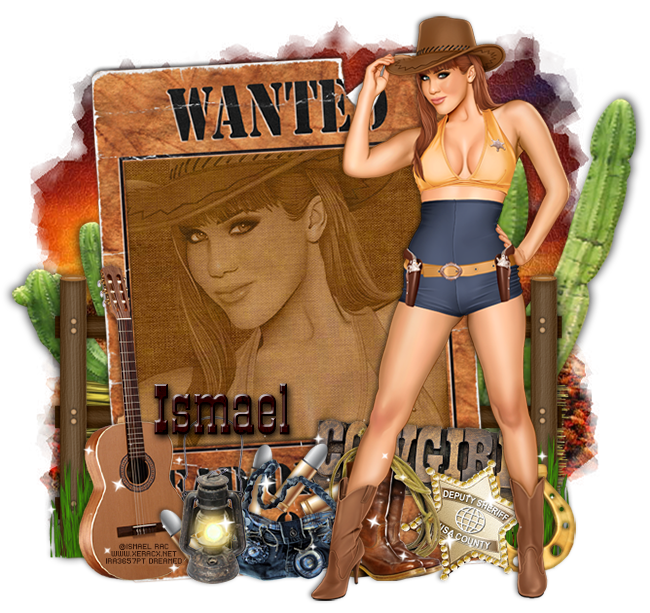
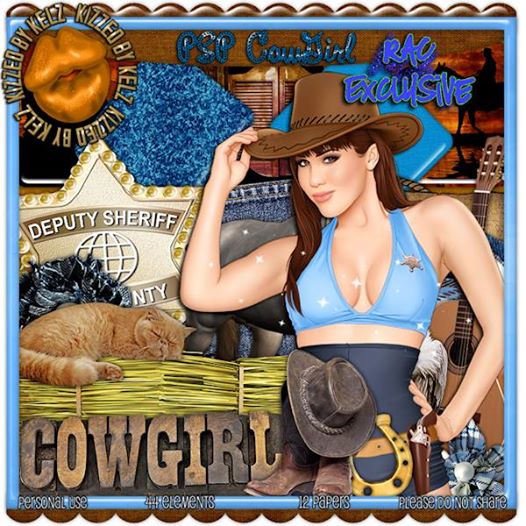
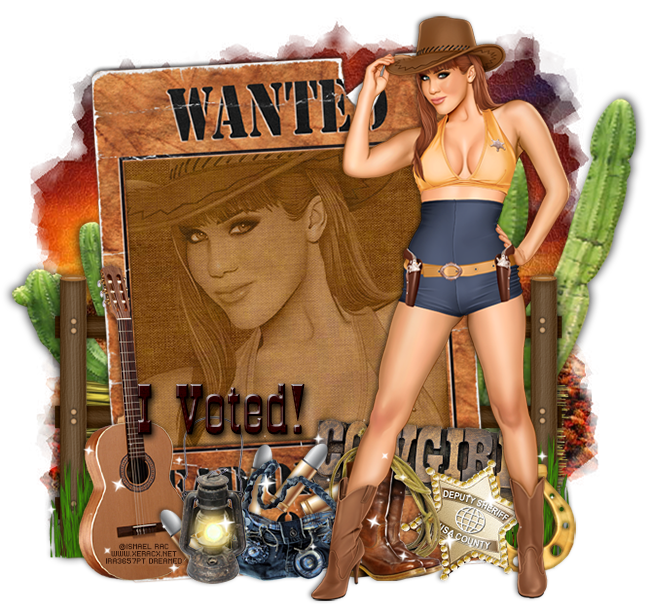
PTU Tutorial - 2013 PSP Cowgirl by Ismael Rac!

**Rac Special 6/2 - 6/3**
Yee Haw! Spend any $$ in the store and get this awesome 2013 PSP Cowgirl tube and matching kit for free! Just add them to your cart at checkout. GCs not accepted as payment. 
**This tutorial was written by me and any resemblance is purely coincidental. It is written for those with a working knowledge of Photoshop.**

Scrap Kit

Tube
*You must obtain a license to use this tube.*

Elements
boots and rope
bullets
cactus
fence
grass
guitar
hay bale
horse shoe
lamp
purse
sheriff star
sparkles
wanted frame
wordart
Papers
3
11

Let's start!
Open a new canvas, size 650x650.
Place the wanted frame on the canvas and resize. Rotate to the left a little and add a drop shadow.
Place paper 11 behind the frame and erase anything outside the frame.
Place the full size tube in front of the frame and to the right. Resize and add a drop shadow.
Place a close up of the tube on top of the paper and clip. Change the tube to luminosity and drop the opacity to 44%.
Behind the frame on the right place the fence. Resize and add a drop shadow.
Duplicate the fence and move it to the left side.
Behind the fences place the cactus on both side. Resize and add a drop shadow.
Between the fence and the cactus on both sides place the hay bale so a little peeks out. Resize and add a drop shadow.
In front of the fences on both sides place the grass. Resize and add a drop shadow. Erase anything sticking out below the bottom of the frame.
Place the guitar in front of the frame on the left. Resize and add a drop shadow.
To the right of the guitar place the lamp. Resize and add a drop shadow.
Behind the lamp place the bullets. Resize and add a drop shadow.
Behind the lamp and to the right place the purse. Resize and add a drop shadow.
Behind the tube and to the right of the purse place the boots and rope. Resize and add a drop shadow.
Behind the boots and rope place the wordart and rotate at an angle. Resize and add a drop shadow.
Behind the boots and in front of the wordart place the sheriff star. Resize and add a drop shadow.
Behind the star place the horse shoe. Resize and add a drop shadow.
Add your tagger mark and copyright information.
Crop off any extra canvas.
Save as a .psd & .png.

Free snags!
Thanks for coming by!
post signature

Sunday, June 1, 2014

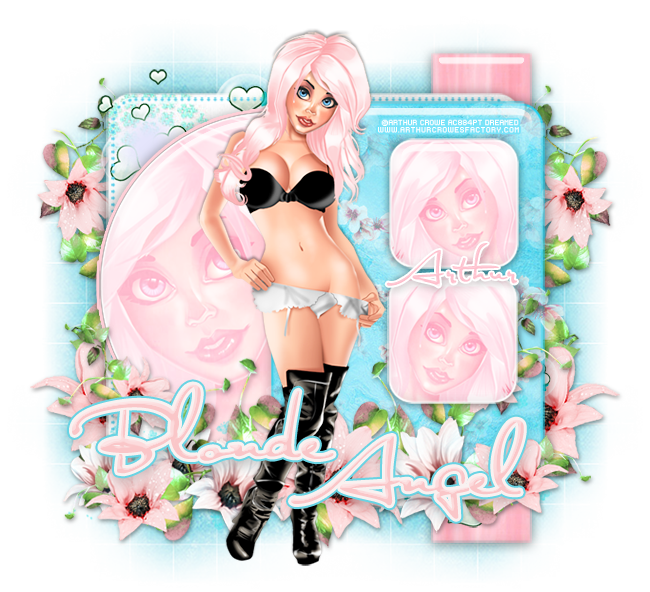
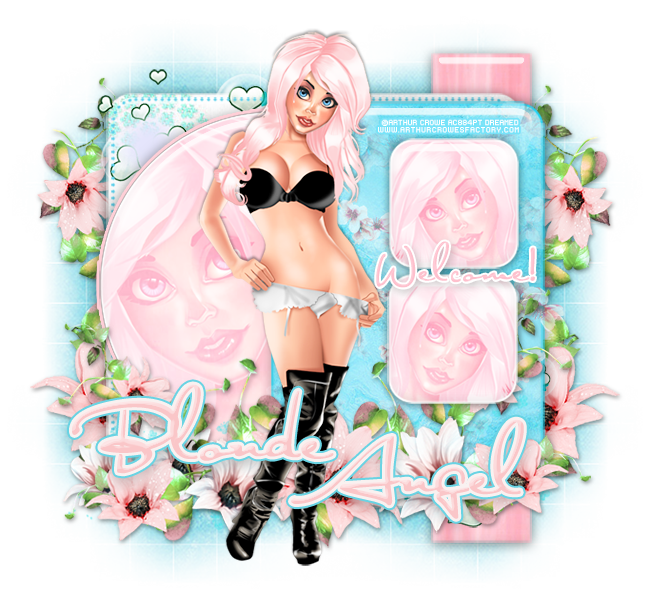
PTU Tutorial - Blonde Angel by Arthur Crowe!

**This tutorial was written by me and any resemblance is purely coincidental. It is written for those with a working knowledge of Photoshop.**

Scrap Kit

Template

Tube
*You must obtain a license to use this tube.*

Elements
4
8
9
10
17
Papers
1
3
4
12
Let's start!
Open a new canvas, size 650x650.
Open the template and remove the word art and raster layer.
Move the rest on to the canvas and resize as necessary.
Place paper 2 over layer 1 and clip. Resize the paper, add a bevel, and a drop shadow.
Place paper 12 over layer 2 and clip. Resize the paper, add a bevel, and a drop shadow.
Change the color of layer 3 to #5cd0eb.
Place paper 1 over layer 4 and clip. Resize the paper, add a bevel, and a drop shadow.
Add a stroke, size 2, in #ffcfd7.
Place the tube in front of the template in the middle. Resize and add a drop shadow.
Place a close up of the tube over layer 4. Change to screen.
Place paper 3 over layer 5. Resize the paper, add a bevel, and a drop shadow.
Add a stroke, size 2, #22d3f1.
Place paper 1 over layers 6 and 7. Resize the paper, add a bevel, and a drop shadow.
Add a stroke to both 6 & 7 in white, size 2.
Place a close up of the tube over both 6 and 7, clip, and change to screen.
Place 9 along the bottom of the template on the left. Resize and add a drop shadow.
Duplicate 9 and move to the right of the first one. Make sure it lays behind 6 and 7.
In between the open spaces of the flower vines just placed place 8. Resize and add a drop shadow.
Duplicate and flip the flowers each time.
Take another copy of 9 and place it behind the template on the right. Resize and flip so it's vertical. Erase anything hanging off too far from the template.
Duplicate 9 and and flip horizontally then move to the left side of the template.
On top of layer 5 and behind layers 6 & 7 place 10. Resize and duplicate so it covers the layer. Erase anything hanging off the layer.
On top of layer 2 place 17 and resize.
Behind the flowers along the bottom place 4. Rotate it vertically and resize. Erase anything hanging off too far.
Add your tagger mark and copyright information.
Crop off any extra canvas.
Save as a .psd & .png.

Free snags!
Thank you for coming by!

Saturday, May 31, 2014

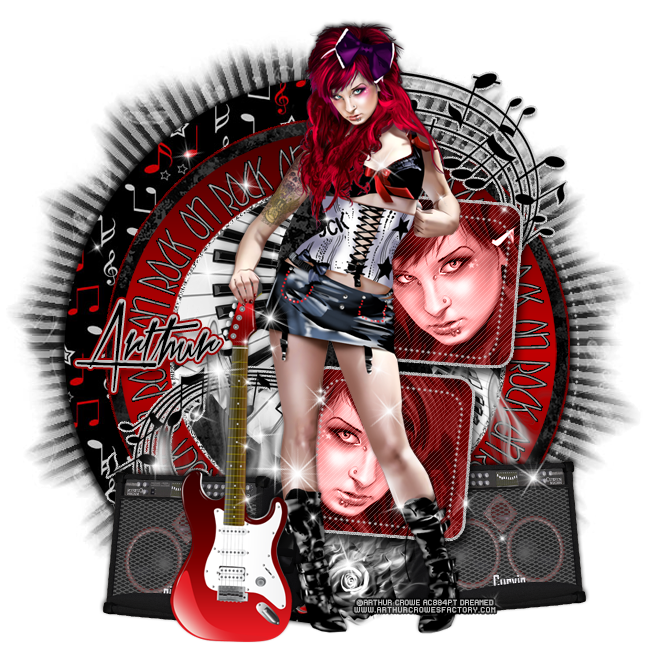
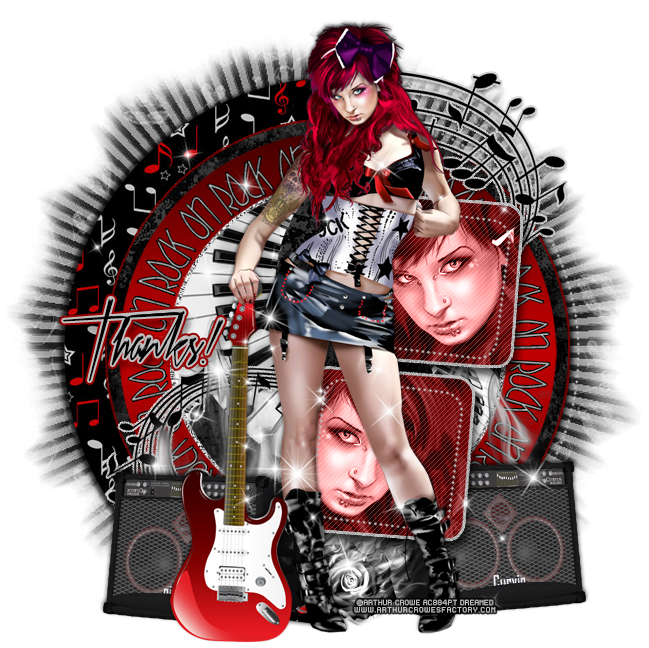
PTU Tutorial - Edgy Rocker by Arthur Crowe!

**This tutorial was written by me and any resemblance is purely coincidental. It is written for those with a working knowledge of Photoshop.**

Scrap Kit

Template

Tube
*You must obtain a license to use this tube.*

Elements
amp
flame flower
flames
note curl
sparkles
spiral keys
Papers
3
5
12

Let's start!
Open a new canvas, size 650x650.
Open the template and move onto the canvas.
Remove the cr layer and resize the rest as necessary.
Change the color to the 1st layer to #bdbdbd.
Place paper 5 over layer 2. Resize and clip. Add a drop shadow.
Place paper 3 over layer 3. Resize and clip.
Add an outer glow to layer 3 in #760001, add noise, and a drop shadow.
Using #c00002 and #480000 create a reflected gradient overlay with the first color on the left and the darker on the right.
Leave layer 5 alone.
Change the color of layer 6 to #c4c4c4 and add a stroke, size 1, in black.
Select the pixels of layers 7 and 8 and change both to #6a0001.
Add an outer glow to both in #bfbfbf and add noise and a drop shadow.
Place a close up of the tube over the top square with her facing to the left. Clip to the square, resize, and change the luminosity.
Duplicate the tube close up and flip horizontally. Move it to the bottom square.
Change the colors of layers #bebebe.
Place the spiral keys on top of layer 3 and create a clipping mask. Resize and erase any parts that hang outside the the center.
Place the tube in front of the template. Resize and add a drop shadow.
Take the note curl and place it behind 7 and 8. Place the curl part to the left of the tube at the bottom. Duplicate and flip so the curl is behind the tube at the top.
Add a noise in #d2d2d2 and a drop shadow to both.
On top of the note curl at the bottom place the flames and resize.
Behind the tube's guitar place the amp and flip horizontally. Resize and add a drop shadow.
Duplicate the amp, flip it horizontally and place it behind the tube and layer 8 on the right.
Between the the tube's feet place the flame flower and resize.
On top of everything place the sparkles. Erase anything off the tag and on top of the tube's face.
Add your tagger mark and copyright information.
Crop off any extra canvas.
Save as a .psd & .png.

Free snags!
Thank you for coming by!

Sunday, May 25, 2014

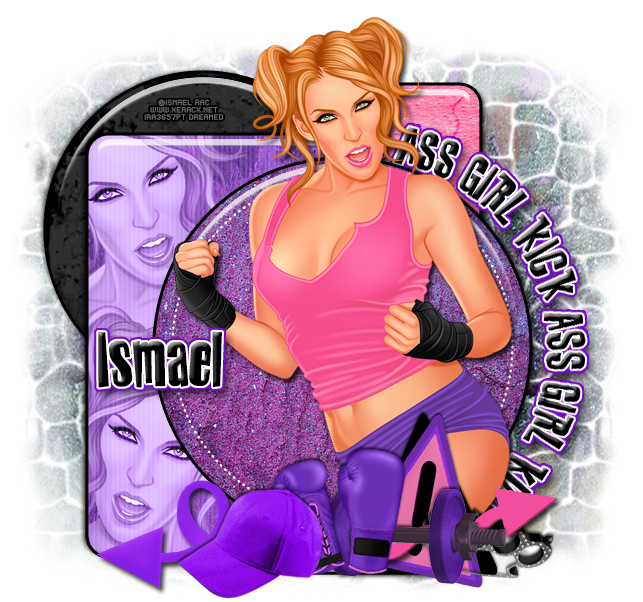
CT Tags - 2014 Kick Ass Girl by Ismael Rac!

**Coming Soon!**
The tag above was made with the matching kit by Kizzed by Kelz.
Purchase tube and matching kit here soon!
Free Snags!
Thanks for coming by!
post signature

Thursday, May 1, 2014

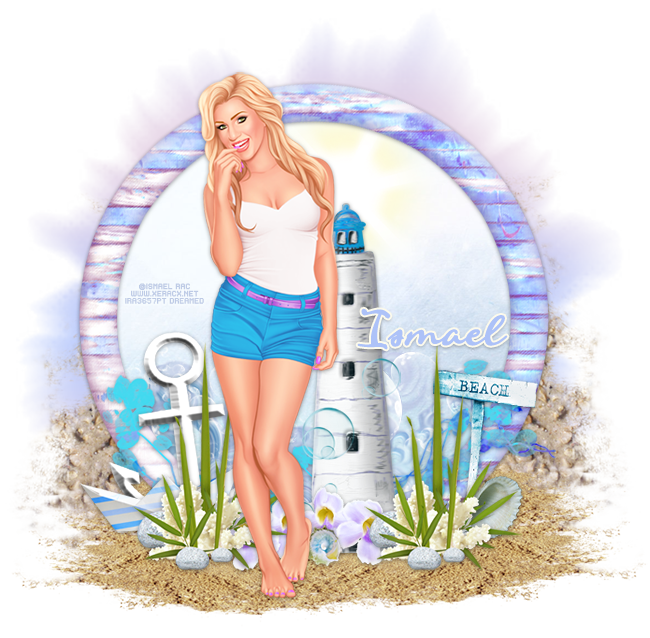
PTU Tutorial - 2014 Sweet N Pretty by Ismael Rac!

*Coming Soon!*
**This tutorial was written by me and any resemblance is purely coincidental. It is written for those with a working knowledge of Photoshop.**

Scrap Kit

Tube
*You must obtain a license to use this tube.*

Elements
2
3
4
5
6
7
9
10
11
15
22
25
27
30
32
Papers
8
Let's start!
Open a new canvas, size 650x650.
Place 30 on the canvas. Resize and add a drop shadow.
Place paper 8 behind the frame and resize. Erase anything outside the frame.
On top of the paper behind the frame place
Underneath the frame, place 22 so the "ground" is covered in sand. Duplicate the sand again to cover the "ground" around the frame.
Behind the frame on top of the paper place 5 and resize.
Behind the frame and the sand place 9 on the right side. Flip horizontally and resize.
Duplicate 9 and place it on the left side then flip horizontally.
In front of the frame place the tube. Resize and add a drop shadow.
To the right of the tube in front of the frame place 2. Resize and add a drop shadow.
Behind 2 along the bottom of the frame place 27 and resize.
Behind the tube and to the left of the lighthouse place 32. Resize and add a drop shadow.
Duplicate 32 and place it on the right side of the lighthouse.
Between the two 32s and in front of the lighthouse place 7. Resize and add a drop shadow.
Duplicate 7 and place it next to the first one.
In front of where the flowers meet place 11. Resize and add a drop shadow.
On the right side behind 32 place 6. Resize and add a drop shadow.
Behind 32 place 10. Resize and add a drop shadow.
Behind 32 on the left side place 4. Resize and add a drop shadow.
Behind 4 and 32 on the left place 25 and flip horizontally. Resize and add a drop shadow.
Behind the tube and on top of the lighthouse place 15.
Add your tagger mark and copyright information.
Crop off any extra canvas.
Save as a .psd & .png.

Free snags!
Thank you for coming by!
post signature

Sunday, April 6, 2014

PTU Tutorial - Sasha by Roman Zaric!

**Coming Soon!**
PTU tutorial using Sasha by Roman Zaric with the matching kit by Kizzed by Kelz!
**This tutorial was written by me and any resemblance is purely coincidental. It is written for those with a working knowledge of Photoshop.**
Scrap Kit

Template

Tube
*You must obtain a license to use this tube.*

Elements
3
7
14
15
16
17
18
19
20
23
24
28
29
30
34
Papers
5
8
9
10
Let's start!
Open a new canvas, size 700x700.
Open the template. Unclick layers 10-13 and Raster1. Move the visible layers onto the canvas. Resize if necessary.
To each layer of the template besides 1 & 2, add a bevel, drop shadow, and white stroke.
Place paper 5 over layers 3 & 4 and create a clipping mask to each layer.
Place paper 9 over layer 7 and create a clipping mask. Resize so you can see the outer dark border around the circle.
Place paper 8 over layer 8 and resize then create a clipping mask.
Place the tube in front of the template. Resize and add a drop shadow.
Take a close up of the tube and place it over layer 5 and 6 so the face opposite directions. Change both to luminosity and  drop the opacity to 60%.
Take another close up and place it over layer 9. Have her facing the opposite direction of the tube and change it to luminosity.
Behind and around the template place a few copies of 34. Make sure none hang too far away from template.
Behind layer 9 place 14. Resize and add a drop shadow.
At the bottom of the tag and to the left of layer 6 place 23. Resize and add a drop shadow.
Behind and to the left of 23 place 29. Lay it horizontally, resize, and add a drop shadow.
Behind 29 place 16. Resize and add a drop shadow.
Behind the ribbon place 3. Resize and add a drop shadow.
Behind the tube on the right place 17. Resize and add a drop shadow.
Behind the umbrella on the right place 15 and flip horizontally. Resize and add a drop shadow.
On top of the table place 18. Resize and add a drop shadow.
In front of the umbrella and to the right of the tube place 7. Resize and add a drop shadow.
Behind the purse and to the right place 28. Resize and add a drop shadow.
Duplicate 28 and place it behind the umbrella on the right. Resize and add a drop shadow.
Behind the tube's feet and purse place 30. Resize and add a drop shadow.
Behind 30 and the tube, place another copy of 28. Resize and add a drop shadow.
Between the umbrella and the elements in front of it place 19. Lay it horizontally, resize, and add a drop shadow.
In front of the purse on the left place 20. Resize and add a drop shadow.
On the bottom of layer 9 place 24. Resize and erase parts so it appears that the ribbon is tied to the layer. Add a drop shadow.
Add your tagger mark and copyright information.
Crop off any extra canvas.
Save as a .psd & .png.

Free snags!
Thank you for coming by!
post signature

Monday, March 31, 2014

PTU Tutorial - 2014 Sunshine Attitude by Ismael Rac!

*Coming Soon!*
PTU tutorial using 2014 Sunshine Attitude by Ismael Rac with the matching kit by Kizzed by Kelz.
Don't forget about the March Madness sale! It ends today so hurry on over to the XeracX store!
**This tutorial was written by me and any resemblance is purely coincidental. It is written for those with a working knowledge of Photoshop.**

Scrap Kit

Tube
*You must obtain a license to use this tube.*

Elements
4
10
13
14
15
17
20
21
23
25
26
29
31
32
Papers
4
12

Let's start!
Open a new canvas, size 650x650.
Place ele29 on the canvas. Resize and rotate to the right a little. Add a drop shadow.
Place the tube in front of the door and off to the left a little.
Behind the tube and door, place ele31. Place it to the left of the tube a little. Resize and add a drop shadow.
Behind the door, place paper12. Resize so you see the sky and a little grass color peeking over the bottom of the door's window. Erase anything outside of it.
On top of the door place ele25. Resize the yellow butterfly is a decent small size. Erase the little green butterflies.
Add another copy of the butterflies above the yellow butterfly. This time keep a small green on and erase the rest. Add a drop shadow to both butterflies.
Now place ele14 on top of the door and resize so it fits in the upper left hand corner of the door behind the tube. You will need to flip and rotate to get it to lay the right way. Add a drop shadow.
Duplicate ele14 and rotate again then place it on the lower right hand corner of the door.
In front of the tube's legs, place ele18. Resize and add a drop shadow.
Behind the basket, place ele21. It can hang off the door a little. Flip horizontally, resize, and add a drop shadow.
Take another copy of ele21 and place it behind the door and fountain and off to the left a little. Resize and add a drop shadow.
Behind the bush and door, place ele20. Resize and add a drop shadow.
On top of the tree and bush on the left side, place ele23. Resize and add a drop shadow. Erase anything not on the tree or bush.
Behind the door on the right, place ele10. Flip it horizontally and resize. Erase anything too far from the door.
Place ele17 behind the flowers behind the door. Just have a little peeking out the top right side of the door. Erase anything else.
Take another copy of ele17 and this time place it in the empty space between the bush and tree. Erase anything else.
On top of the paper behind the door,  place ele26. Resize it and have it lay on top of the tree too. Erase anything hanging off the tree.
In front of the tube along the bottom, place ele15. Resize the flowers and add a drop shadow. Duplicate and flip the flowers to create a border along the front of the tube.
On top of the flowers on the left hand side, place ele4. Resize and add a drop shadow.
In between the flowers, place ele32. Resize and add a drop shadow.
Add your tagger mark and copyright information.
Crop off any extra canvas.
Save as a .psd & .png.

Free snags!
Thank you for coming by!
post signature

Wednesday, March 5, 2014

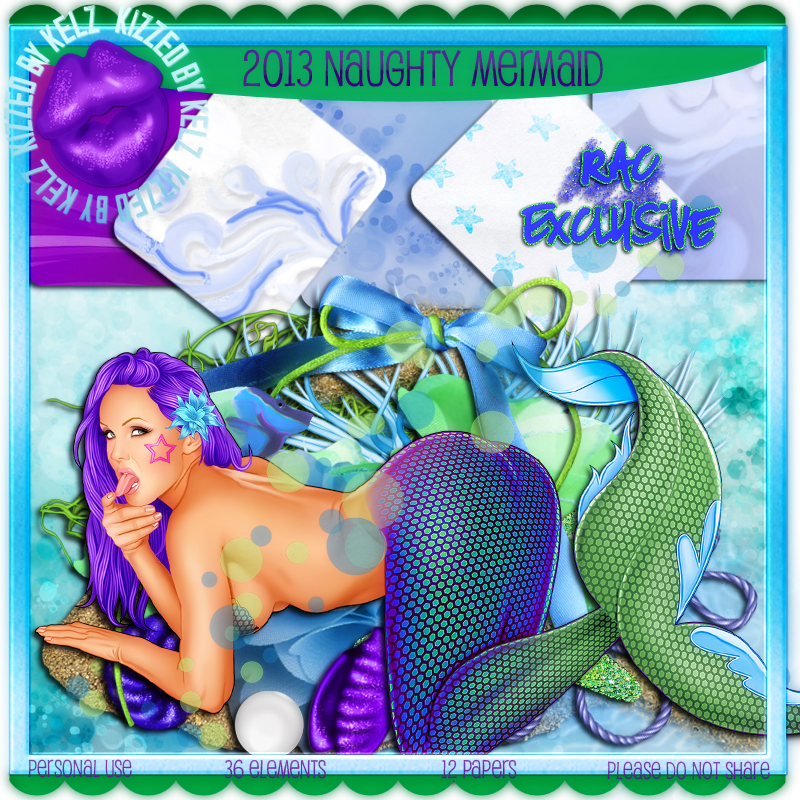
PTU Tutorial - 2013 Naughty Mermaid by Ismael Rac!

**Rac Special Buy 3/5 - 3/6**
Spend any $$ in store and get this cheeky mermaid and matching kit free! Just add her to your cart at checkout. GC not accepted as a form of payment.
PTU tutorial using 2013 Naughty Mermaid by Ismael Rac and the matching kit by Kizzed by Kelz!
**This tutorial was written by me and any resemblance is purely coincidental. It is written for those with a working knowledge of Photoshop.**

Scrap Kit

Tube
*You must obtain a license to use this tube.*

Elements
6
10
13
14
16
22
28
30
31
33
34
36
Papers
9

Let's start!
Open a new canvas, size 750x650.
Place ele13 on the canvas. Resize and add a drop shadow.
Place the tube on top of the frame. Resize and add a drop shadow.
Behind the frame, place paper9. Resize and erase anything outside the frame.
On top of the paper, place ele10. Resize and add a drop shadow.
Duplicate the fish and place it next to the first fish.
Place ele6 above the second fish's head. Resize the bubbles so they are an appropriate size.
Place ele14 below the fish and behind the tube. Resize and add a drop shadow.
Take ele36 and flip it vertically. Move it behind the frame at the top so it is peeking out. Resize and add a drop shadow.
Place ele28 behind the frame on the right. Rotate it so just a little sticks out at an angle. Resize and add a drop shadow.
At the bottom of the frame, place ele31 behind the frame and resize.
On top of the frame, place ele30 behind the tube's tail. Resize and add a drop shadow.
Take another copy of ele30 and place it on the frame below the tube. Resize and add a drop shadow.
Duplicate ele30 and resize. Place it next to the second one placed.
Behind the tube's hand on the frame, place ele16. Resize and add a drop shadow.
Duplicate the grass and place one copy behind the tube's tail bend on the frame. Duplicate the grass, flip horizontally, and place in front of the tube's tail bend (knee).
Duplicate another copy of the grass and place it behind the tube where the tail forms a V.
Place ele22 on the top of the frame. Resize and add a drop shadow.
Duplicate the star fish and place it below the tube on the frame.
Place ele33 on the frame behind the grass that's behind the tube's hand. Resize small and add a drop shadow.
Duplicate ele33 and place it between the two ele30s below the tube.
Place ele34 behind the grass placed behind the tube's tail. Resize and add a drop shadow.
Add your tagger mark and copyright information.
Crop off any extra canvas.
Save as a .psd & .png.

Free snags!
Thank you for coming by!
post signature

New Name, New Blog!

Hello friends! I have decided to change my designer name to reflect that I make kits more than I do CT work. I made a new blog so the old links for this blog will remain active for future visits. Please visit me at Drea's Designs ! I'll see you there!
Related Posts Plugin for WordPress, Blogger...