Showing posts with label Pink Paradox Productions. Show all posts

Thursday, July 10, 2014

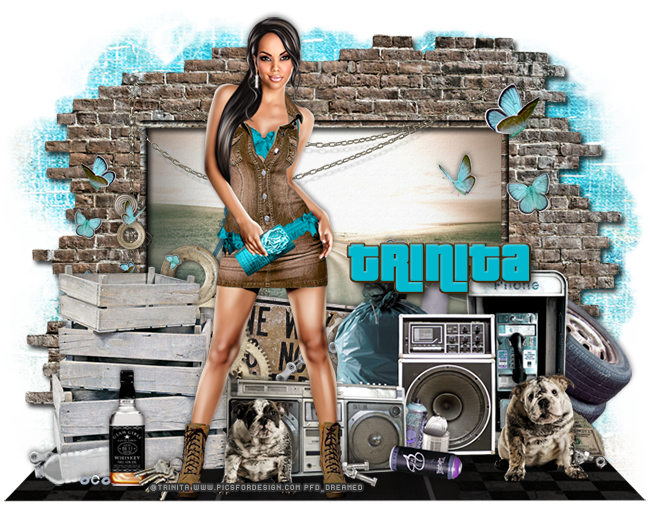
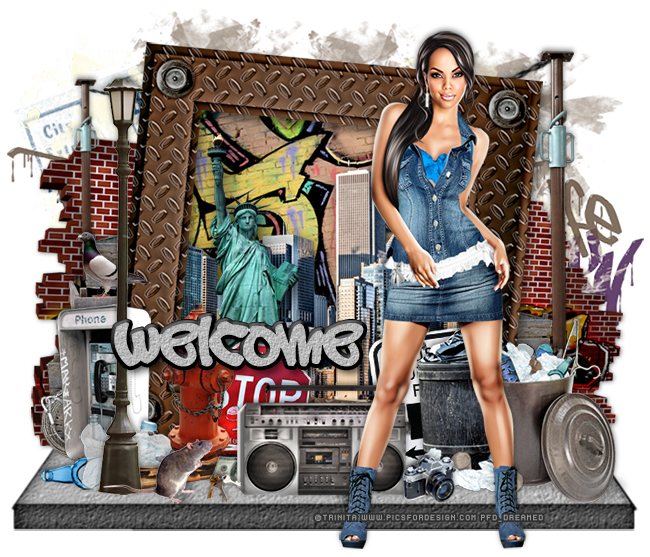
CT Tags - Vanessa by Trinita

Check out this awesome tube, Vanessa, by Trinita! She is hot and has that look that makes the best tags come alive! 
She comes with so many layers and different colors so she fits any tag and style you could think of.

Purchase Vanessa over at PFD today!
The tag above was made with Jackie's Jewels kit called Around Tha Way
Purchase it here.
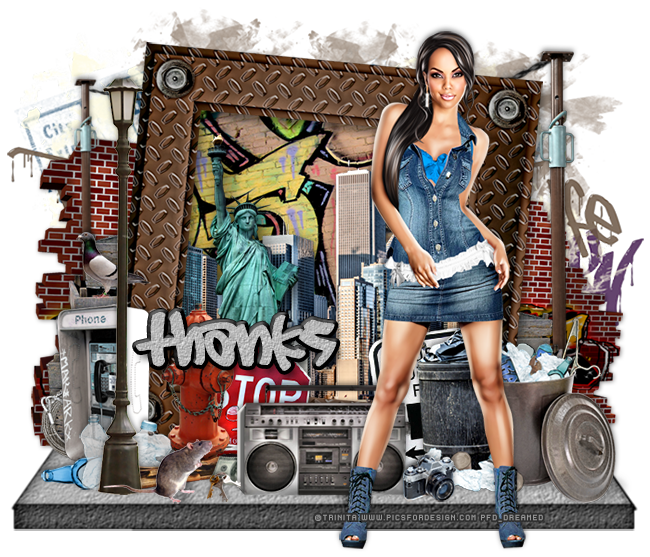
The tag above was made with Pink Paradox Productions kit called Urban Hunk
Purchase it here.

Free Snags
Thanks for stopping by!
post signature

Tuesday, February 18, 2014

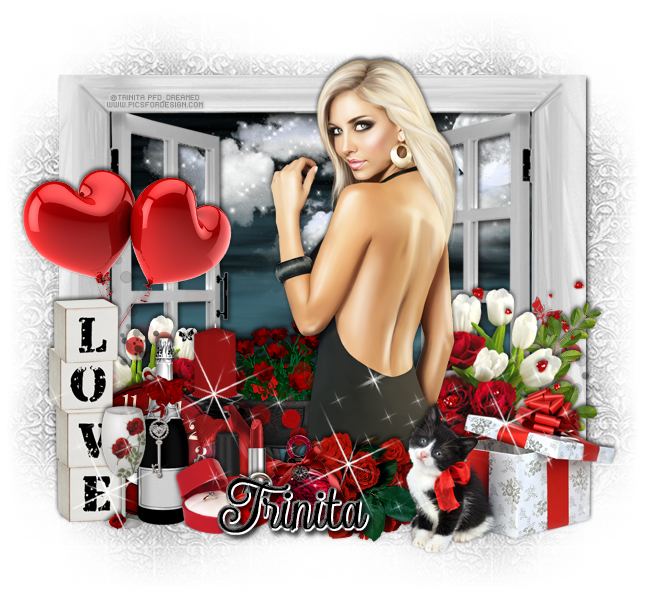
PTU Tutorial - Girlfriend by Trinita!

PTU tutorial with Girlfriend by Trinita!
**This tutorial was written by me and any resemblance is purely coincidental. It is written for those with a working knowledge of Photoshop.**

Supplies
Mask

Scrap Kit

Tube
*You must obtain a license to use this tube.*

Elements
2
5
7
8
11
13
16
17
19
24
25
33
42
44
51
62
63
67
72
79
80
89
95
104
Frame 8
Papers
3
24

Let's start!
Open a new canvas, size 650x650.
Place frame 8 on the canvas. Resize and add a drop shadow.
Place paper 3 behind the frame and resize to fit then flip vertically.
Place ele72 behind the frame on the paper. Resize and make sure they do not stick outside the frame.
Behind the clouds, place the moon in the upper right hand corner and resize.
Place the tube in front of the frame. Resize and add a drop shadow.
Place ele2 in front of the tube and to the right. Resize and add a drop shadow.
Behind the tube on the right, place ele62. Resize and add a drop shadow.
On top of the flowers, place ele80. Resize so the scatter just lays over the flowers. Erase the scatter anywhere else.
In front of the tube and behind the kitten present, place ele89. Flip horizontally, resize, and add a drop shadow.
In front and to the left of the rose cluster, place ele25. Resize and add a drop shadow.
To the left of ele25, place ele5. Resize and add a drop shadow.
To the left of ele5, place ele16 and flip horizontally. Resize and add a drop shadow.
Behind ele5 & 16, place ele8 & 19. Resize and add a drop shadow.
To the left of the ring box, place ele7. Resize and add a drop shadow.
Place ele44 on the wine bottle and resize so it looks like a charm. Erase parts of the key ring and add a drop shadow.
In front and to the left of the wine, place ele11. Resize and add a drop shadow.
Behind the glass, place ele24. Resize and add a drop shadow.
Place ele42 between the frame and elements just placed. Resize, rotate to the right a little, and add a drop shadow.
Behind the clock and to the right, place ele51. Resize and add a drop shadow.
Behind the candle, place ele17. Resize and add a drop shadow.
Place ele63 to the left of the tube and behind the frame. Resize and add a drop shadow.
Duplicate ele62 and move to the left side on top of the frame. Flip horizontally and resize.
Behind the tube, place ele79 and resize.
Behind ele24, place ele67. Resize and add a drop shadow.
Behind ele62 on the right side, place ele95. Resize and add a drop shadow.
Place ele104 on the bottom half of the tag. Resize and erase anything hanging off the tag.

Add your tagger mark and copyright information.
Crop off any extra canvas.
Save as a .psd & .png.

Free snags!
Thank you for coming by!
post signature

Thursday, July 25, 2013

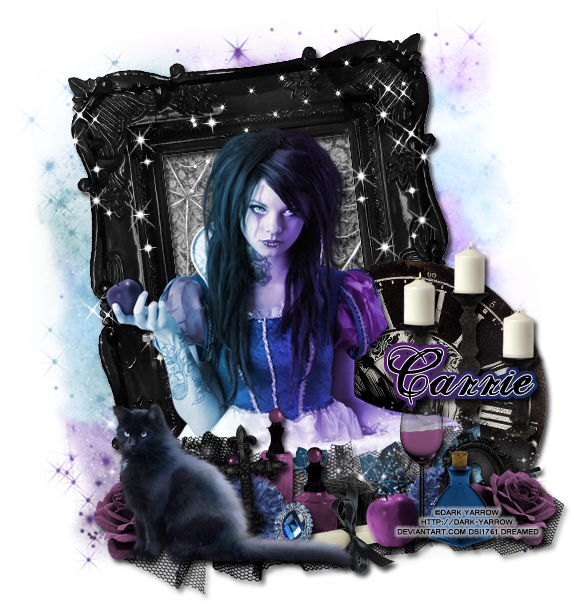
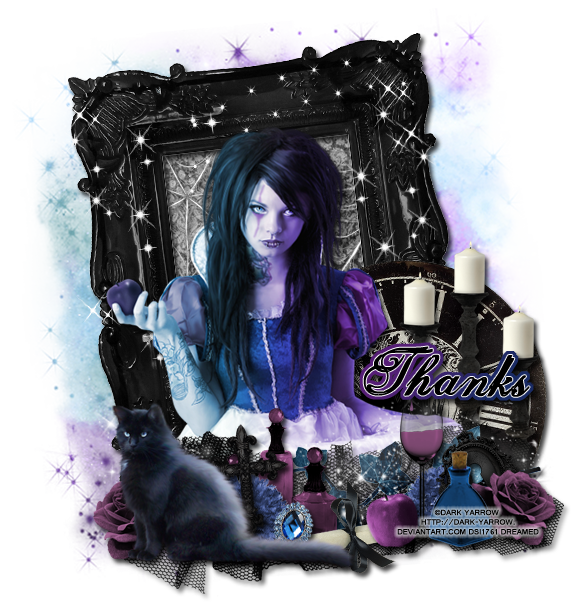
PTU Tutorial - Gothic Twilight

PTU tutorial using Gothic Twilight by PinkParadox Productions!
You can purchase the kit HERE!!
**This tutorial was written by me and any resemblance is purely coincidental. It is written for those with a working knowledge of Photoshop.**

Supplies
Font

Mask

Scrap Kit

Tube
*You must obtain a license to use this tube.*

Elements
7
13
17
24
29
31
37
39
49
60
63
69
79
85
88
108
125
126
Frame9

Papers
7
12

Let's start!
Open a new canvas, size 650x650.
Move Frame 9 on to the canvas and resize. Rotate to the left a little and add a drop shadow.
Move P12 behind the frame and rotate it with the frame. Erase anything outside the frame.

Place the tube in front of the frame and resize her. Add a drop shadow.
On top of the paper and behind the frame, place E79. Put on in the upper left corner. Resize and add a drop shadow. Take another copy and move it on the right side. Resize and add a drop shadow.
Behind the tube, place E7 on the right. Resize and add a drop shadow.
In front of the clock and behind the tube, place E63. Resize and add a drop shadow.

Place E31 in front of the tube. Flip vertically and resize. Add a drop shadow. 
On top of E31, place the cat tube. Resize, add a drop shadow, flip horizontally.
Behind the cat and in front of it, place E85. Resize and add a drop shadow.
Behind the cat and to the right of it, place E88. Resize and add a drop shadow.
In front of 88 and behind the cat, place E29. Resize and add a drop shadow.
Place E60 behind the cat, by its tail, and in front of the blue flower. Resize and add a drop shadow.
Move E39 behind the flower and to the right and flip horizontally. Resize and add a drop shadow.
Between E60 & E39 place E49. Resize and add a drop shadow.
On top of E49 and to the right of it, place E17. Resize and add a drop shadow.
Duplicate the layer with E85, the purple flower, and flip horizontally. Move it to the opposite side. 
Behind the flower, place E24. Resize, rotate to the left, and add a drop shadow.
In front and to the left of the flower, place E37. Resize and add a drop shadow.
Behind the apple and blue vial, place E13. Resize and add a drop shadow.
Behind E24, place a duplicate of the layer with E88. 
Take E108 and move it on top of E31. Lay it horizontally and resize. Add a drop shadow. 
On top of the ivy, place the E125. Lay it horizontally as well and resize. Erase anything that hangs off the tag too much.
Now on top of the frame and behind everything, place E126. Resize a little and make sure some are on the frame. Take another copy and move it to the right. Use it cove the right side. Don't clutter it too much. Erase anything that hangs off the sides.

 Name
Main color is black.
Add a white stroke, size 1.
Select the pixels and expand by 4. 
Fill the the bottom layer with white and then add a gradient overlay with #561e76 & #1a2b64.
Just change the angle of the gradient to -33 and the scale to 105.
Add a drop shadow to the gradient layer.

Mask
Open a new canvas, size 600x600.
Open P7 and resize to 600x600. and move on top of the canvas.
Open the mask and move on top of the paper.
Remove the white background and place the mask behind the tag. Make it evenly stretched on all sides.

Add your tagger mark and copyright information.
Crop off any extra canvas.
Save as a .psd & .png.
We're done :)

Free Snags!

Thanks for coming by!

Tuesday, July 9, 2013

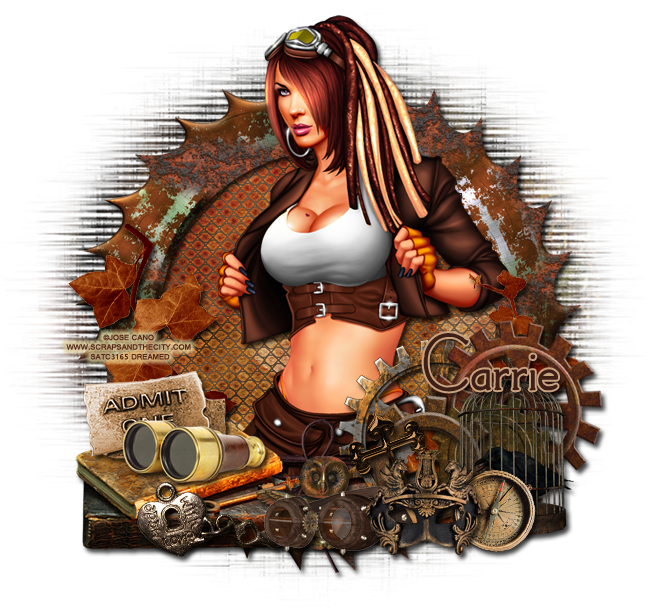
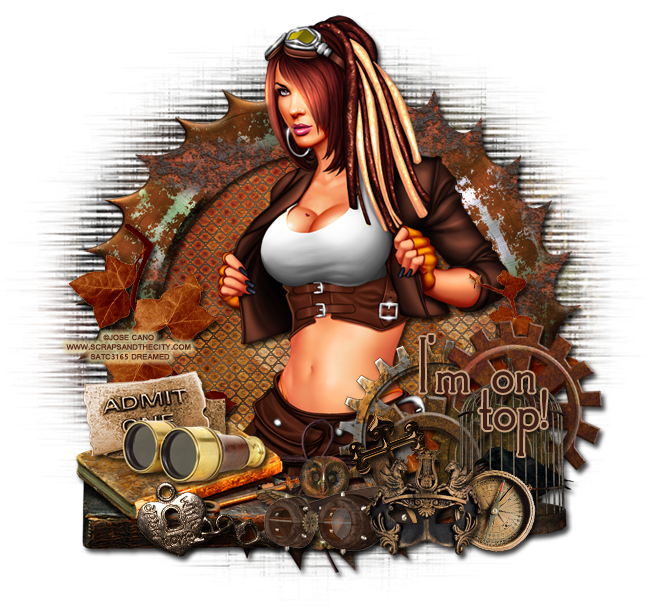
PTU Tutorial with Steampunk Twilight

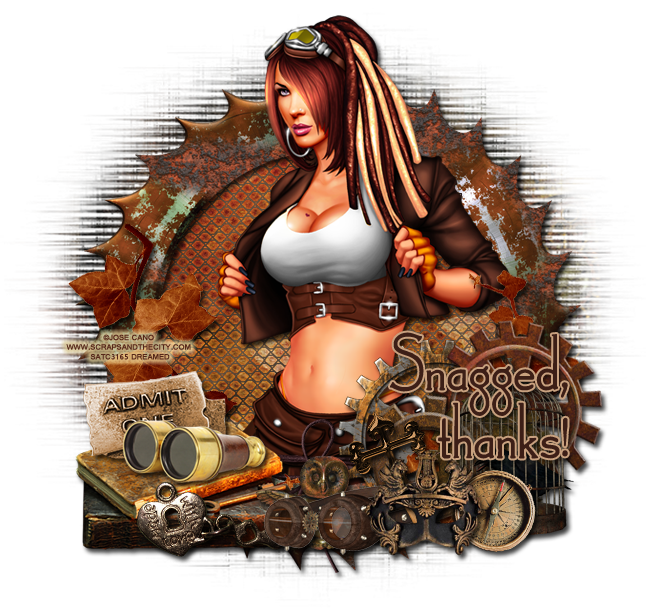
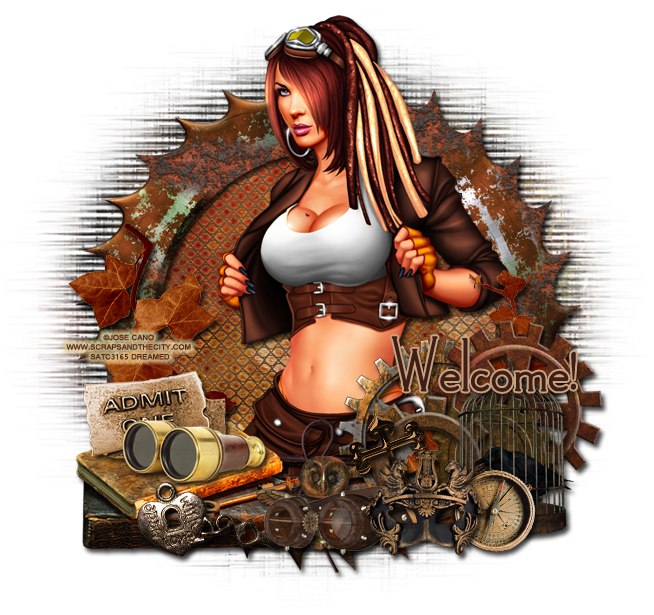
New PTU tutorial with Steampunk Twilight by Pink Paradox Productions
I used a prepaid tube by Jose Cano.
**This tutorial was written by me and any resemblance is purely coincidental  It is written for those with a working knowledge of Photoshop.**

Supplies

Font

Mask

Scrap Kit

Tube
Steampunk by José Cano
*You must obtain a license to use this tube.*

Elements
43
46
48
65
92
93
94
95
99
100
121
126
134
139
142
148
F12

Papers
P7
P11

Let's start!

Open a new canvas, size 650x650.
Place F12 on the canvas and resize. Add a drop shadow.

Move P11 behind the frame and resize. Erase extras.
Place E126 on top of the paper and behind the frame. Resize and add a drop shadow in this color #ff6504.

Move the tube in front of the frame and resize her. She can be taller than the frame. Add a drop shadow.

Move E43 on the left side of the frame. Resize and add a drop shadow.
On top of the stack of books, place E46 and flip horizontally. Resize and add a drop shadow.
Behind the binoculars on top of the books, place E99. Resize and add a drop shadow.

Move E95 in front of the stack of books. Resize and add a drop shadow.
Behind the stack of books, place E121. Rotate the leaves so they lay vertically on the frame. Resize and add a drop shadow.

On the right side of the tube, place E150. Place it lower than her arm then resize and add a drop shadow.
On top of E150, move E148 and make it smaller. Place it at the bottom and to the left of the first element. Resize and add a drop shadow.
Move E142 on top of both of those and make it bigger than the second element. Resize and add a drop shadow.
Behind all three gears and in front of the tube, place E139. Have it overlap on the tube and meet the bottom of E142. Resize and add a drop shadow.

In front of the gears on the right place E100. Flip horizontally and resize. Add a drop shadow.

Move E92 in front of E100 and resize. Have it off to the left a little and add a drop shadow.

Behind the mask, place E94 so they stick out the left side of the mask. Resize and add a drop shadow.
On the right side of the mask and behind it, place E48. Resize and add a drop shadow.
Move E93 behind the mask so it sticks out above it. Resize and add a drop shadow.
Place E65 behind the goggles. Resize and add a drop shadow.

Move E134 behind everything but on top of the tube and frame. Have the bow visible in the middle of the frame. Resize and add a drop shadow.

Mask
Open a new canvas, size 600x600.
Open P7 and resize it to 600x600 then move it on the canvas.
Open the mask and place it on top of the paper.
Remove the white background.
Move behind the tag and stretch so it is evenly spread around the frame.
Make sure nothing hangs off the edge of the canvas.

Name
Font is Landsdowne.
Main Color is #3d1f17.
The stroke, size 2, is color #c8a17f. 
Add a drop shadow.

Add your tagger mark and copyright information.
Crop off any excess canvas.
Save as a .psd & .png.

Here are free snags for you!


Thanks for coming by!

Sunday, June 30, 2013

PTU Tutorial - Just Beachy

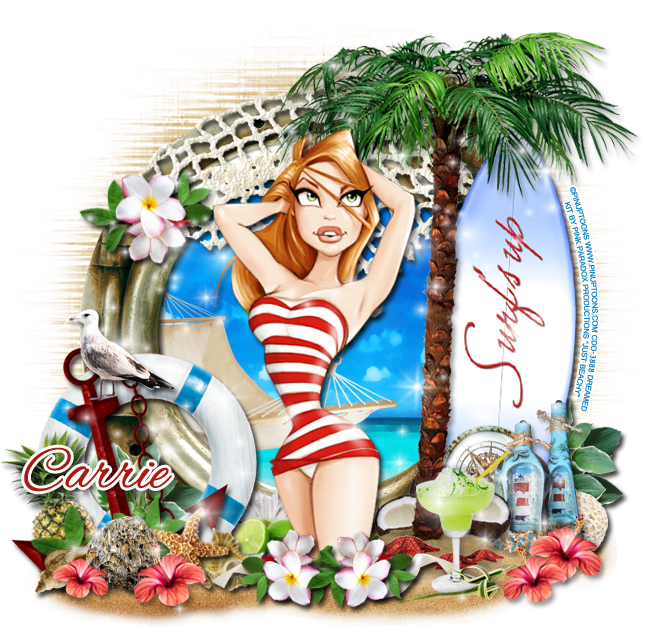
I have a new PTU Tutorial using a packed kit by Pink Paradox Productions called Just Beachy!
I matched it with the artwork of Pin Up Toons.


**This tutorial was written by me and any resemblance is purely coincidental. It is written for those with a working knowledge of Photoshop.**

Supplies

Font
Alex Brush by TypeSETit

Mask
WSL_Mask216 by Weescotslass Creations

Scrap Kit
Just Beachy by Pink Paradox Productions
You can buy it at PicsForDesign!
PPP kits are on sale for the month of July. Buy 3 get 1 FREE!

Tube
Tube 32-1 by Pin Up Toons
*You must obtain a license to use this tube.*

Elements
1
2
3
6
7
12
13
16
20
23
25
39
40
42
47
48
60
76
83
87
95
100
101
103
109
117
118
133
F3

Papers
2
3

Let's get started :)

Open a new canvas, size 650x650.
Move F3 (frame) on to the canvas. Resize and add a drop shadow.
Place P3 (paper) behind the frame. Resize and erase parts outside the frame.

Place the tube in front of the frame. Resize and add a drop shadow.

Move E100 to the right of the tube. Resize and add a drop shadow.
Place E40 next to the tree and a little behind it. Make it smaller than the tree. Add a drop shadow.

Place E118 underneath everything so it sits in front of the frame too. 
Place E117 on top of the frame. Resize and rotate so it follows the curve of the frame. Add a drop shadow.

Move E60 behind the frame and on top of the paper and resize.

Place E23 on top of the frame on the left. Resize and add a drop shadow.
Place E39 on top of E23 and rotate. Resize and add a drop shadow.
Place E20 on top of E39. Resize and add a drop shadow.

Take E76 & E95 and lets place them on the netting on the frame. Place E76 on the end of it, rotate and resize. Move E96 behind the flowers and resize and rotate so the leaves stick out. Add a drop shadow to both.
Now link these two together and duplicate. Place two copies in front of the tube on the sand and resize.

Move E101 behind the surfboard on the right and behind the lifesaver. Resize and add a drop shadow.

In front of the lifesaver:
Place e47 on the left. Resize and add a drop shadow.
In front of the pineapple, place E13. Rotate, resize, and add a drop shadow.
Next to E13, place E17Resize and add a drop shadow.
Move E12 next to E13. Rotate a little to the left. Resize and add a drop shadow.
Behind E12, place E16 then resize and add a drop shadow.
 In front of the pineapple and behind the shells and starfish, place E95. Rotate, resize, and add a drop shadow.
Place E87 in front of E7 & E12. Flip horizontally then resize, and add a drop shadow.
Duplicate the flower and flip back. Move in front of E13 & E7. Make it smaller. 

Behind the tube and between her and the lifesaver place E52. Resize and add a drop shadow.
Behind the lime, place E83 then rotate, resize, and add a drop shadow.

On the sand of the palm tree place E3. Flip horizontally then resize.
Place E42 in front of the palm tree and the cluster of starfish. Resize and add a drop shadow.
In front of the drink, place E103. Resize and add a drop shadow.

Behind the palm tree and the tube place two E48s. The one behind the tube and the tree make smaller. Make the second coconut smaller and flip horizontally, but larger than the other one. Add a drop shadow to both.

Take E1 & E2 and move them in front of the surf board, but behind the tree and coconuts. Move E1 next to the coconut. Resize and add a drop shadow. Move E2 next to and behind E1. Resize and add a drop shadow.

Behind the coconuts and bottles, place E25. Rotate, resize, and add a drop shadow.
Behind the bottles on the right, place E6. Rotate, resize, and add a drop shadow.

Take E87 again and place in front of the bottles and palm tree. Resize and add a drop shadow.
Duplicate, make smaller and flip horizontally. Add a drop shadow.

Behind the cluster of flowers in front of the tube, use E109 to have a little stick out both sides. Resize and erase parts of the bow that aren't necessary. Duplicate so it's on both sides. Add a drop shadow to both.

Now place E133 on top of the elements on the left side. Erase any parts that hang off the tag. Place another copy on the opposite side, flip horizontally. Erase any parts that hang off the tag.

Mask:
Open a new canvas, size 600x600.
Open WSL_Mask216.
Open P2 and resize to 600x600.
Place the mask on top of the canvas and then the paper. 
Remove the white background. 
Move behind the tag. 
Stretch so it is even on both sides of the frame and be sure not to stretch it off the canvas.

Name:
Font is Alex Brush.
Main color: #ab1911.
Stroke, size 3, in white.

Now crop off any extra parts. Make sure not to cut any parts of the tag off. 
Save as a .psd & .png.

Thanks for stopping by!

New Name, New Blog!

Hello friends! I have decided to change my designer name to reflect that I make kits more than I do CT work. I made a new blog so the old links for this blog will remain active for future visits. Please visit me at Drea's Designs ! I'll see you there!
Related Posts Plugin for WordPress, Blogger...